Nina Indicator
MT4Forex BUY/SELL signals from the best Nina Indicator for MT4. Find the trend’s direction with the help of arrows.
Description
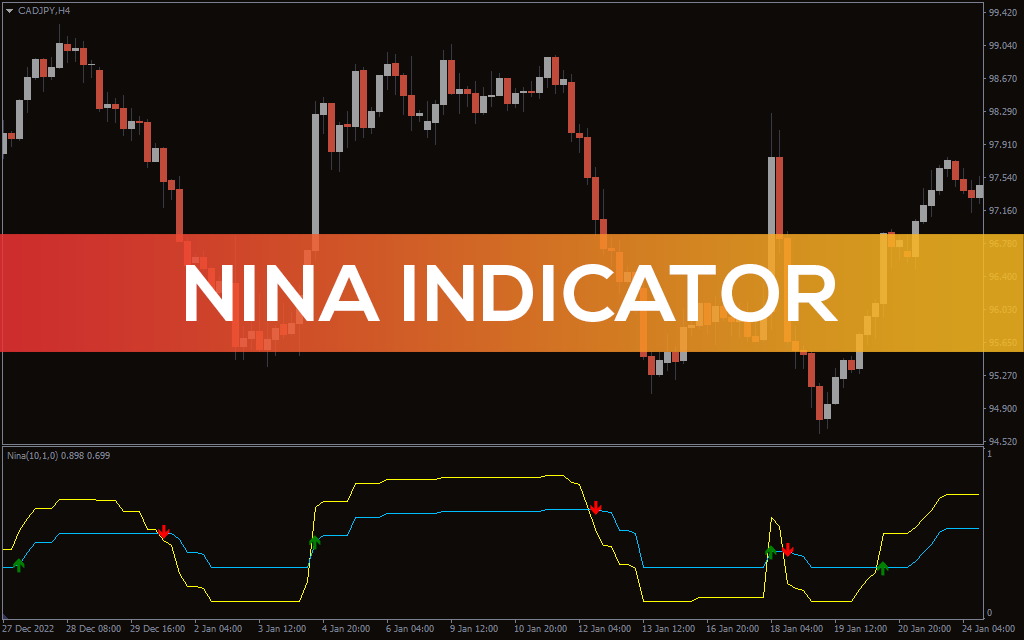
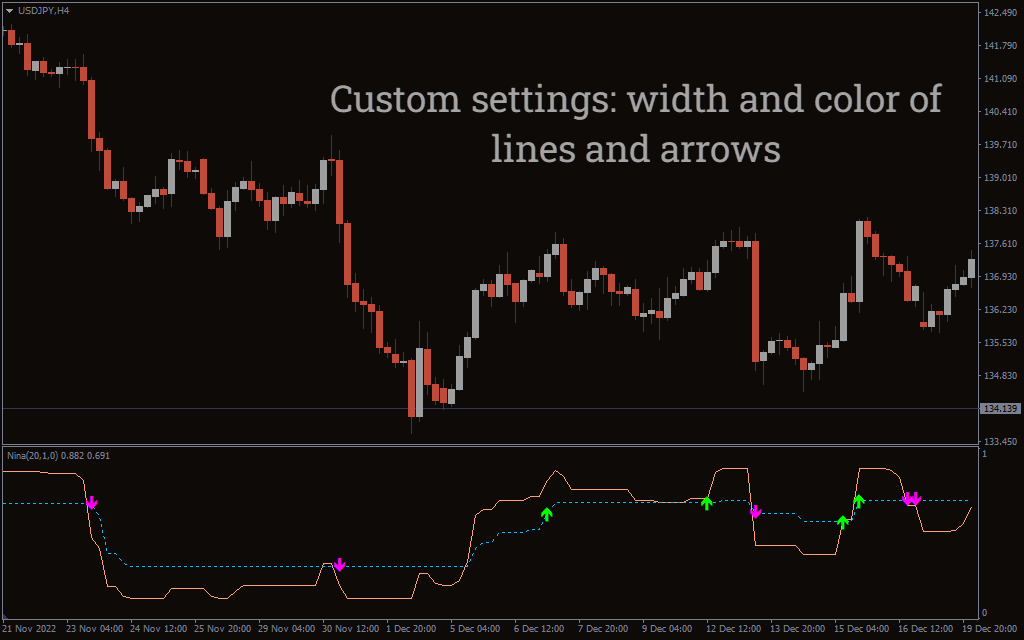
The Nina Indicator is a simple MT4 indicator that tells about the overall trend direction. It has two key aspects; one is the ATR 9Average True Range line and the other arrows. The indicator uses two ATR signal lines, which move with the price action. When the yellow line is above the blue line, it suggests an uptrend, while if the yellow line drops below the blue one, it’s a downtrend signal.
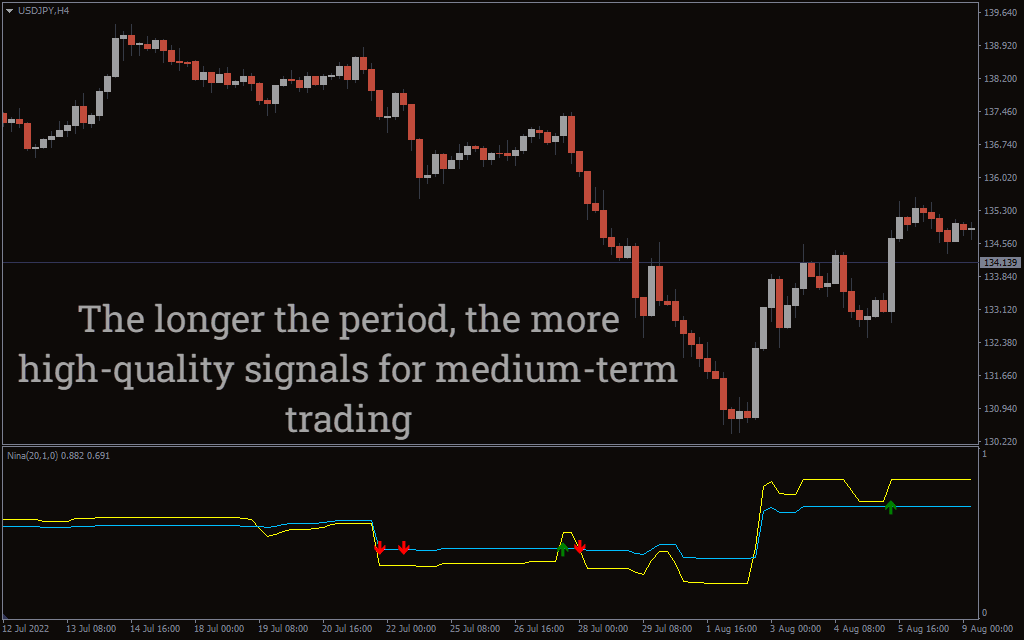
The second aspect of the Nina Indicator is the arrows. The indicator plots up (green) and down (red) to mention BUY/SELL signals. You can use the Nina Indicator on all timeframes but bear in mind that it can be prone to false signals on shorter timeframes.
How to use the Nina Indicator for MT4?
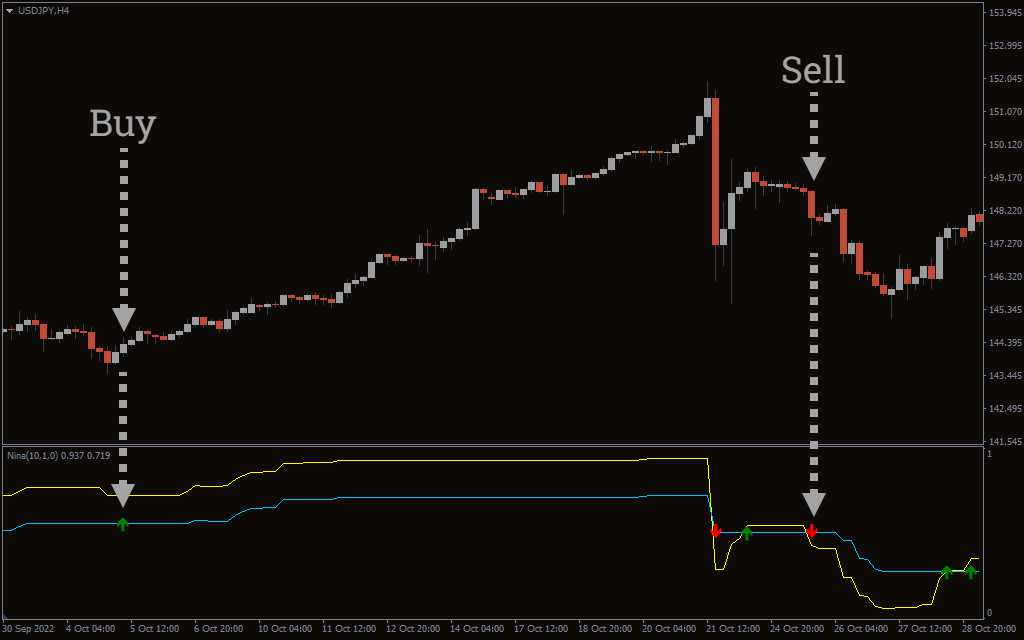
The above USD/JPY H4 chart shows the Nina Indicator on the chart. To find out the BUY/SELL signals, you have to look at the green/red arrows and the yellow and blue lines. If the yellow line is above the blue one and the indicator plots a green arrow, you can take positions.
On the other hand, if the blue line is above the yellow one, and the red arrow appears, then you can go short. The other way to trade with the indicator is by only taking arrows into consideration. This is perhaps the simple strategy. If the green arrow appears, you can take long positions; if the red arrow emerges, you can go short.
It’s always best to wait for the candle to close and then enter as the Nina Indicator can repaint. It means that it can show an arrow in between but can remove it when the candle closes. It’s important to note that during periods of consolidation, the indicator may plot several green and red arrows. For instance, in the absence of a strong trend, the Nina Indicator may plot several red and green arrows making it confusing for you to enter trades. So, it’s better to avoid taking positions.
In addition, you can apply other forms of technical analysis like adding indicators or looking for chart patterns along with the indicator to confirm the trend.
Conclusion
The Nina Indicator for MT4 plots arrows and ATR signal line to indicate the trend direction. To enter the trade, you have to combine the ATR signal lines and arrows. You can try Nina Indicator for free by downloading it from our website.

1 2 3 4 5