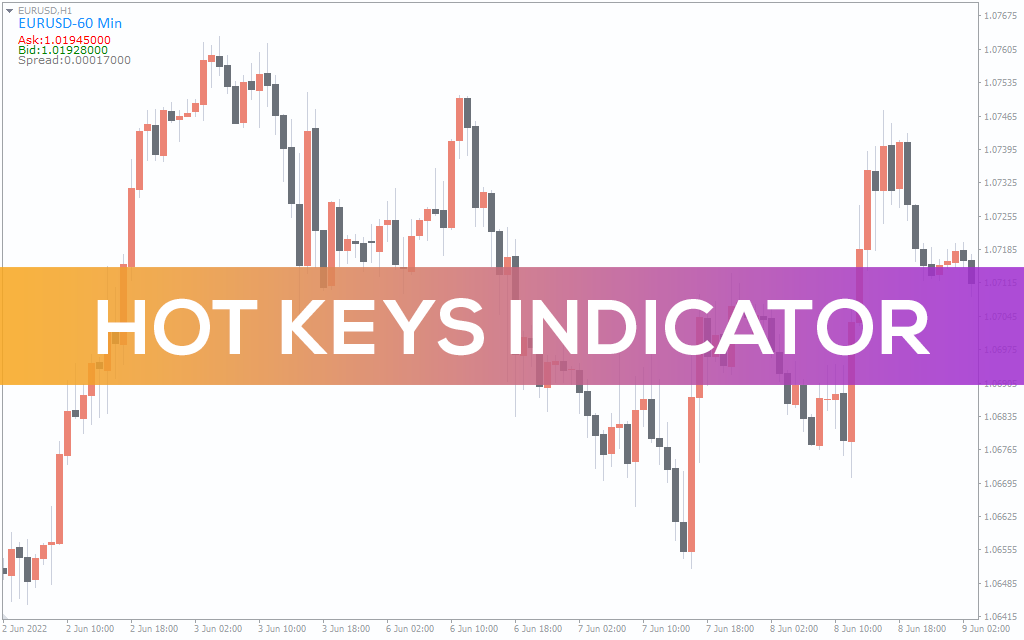
Hot Keys Indicator
Determine the best price-action buy-sell signals using the TPO Range Indicator in MT4. Supports MTF charts and suits forex & stocks scalping/intraday trading.
Description
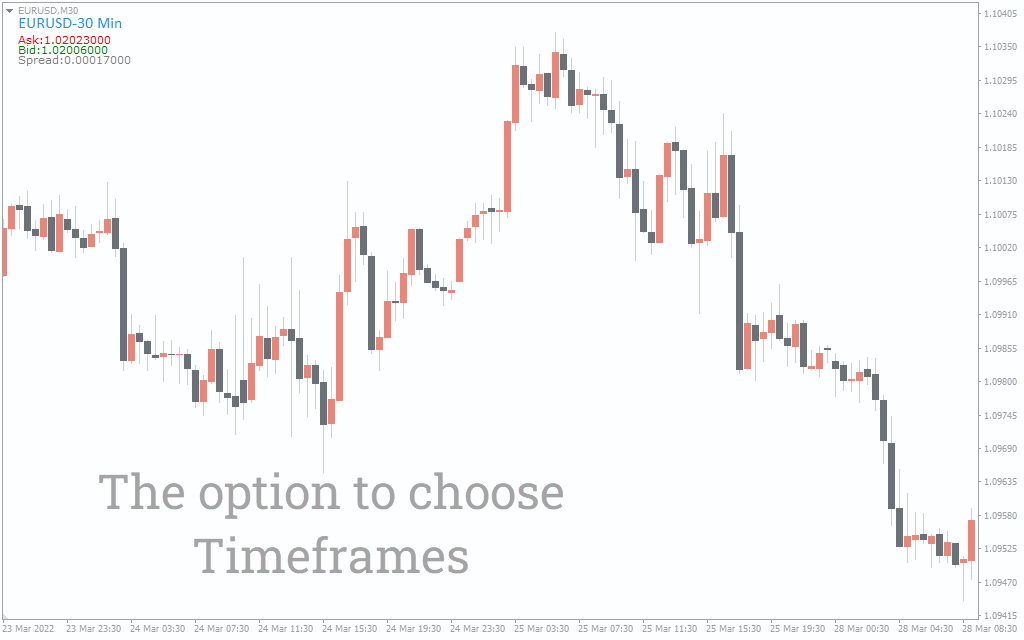
The Hot Keys is an MTF chart trading indicator for MT4. It helps you to switch between multiple timeframes using shortcut keys.
Professional traders consider looking at multiple timeframes of the same asset while performing technical analysis. It helps them to verify trading setups in different periods. The idea of multi-timeframe analysis is like zooming in to the chart to monitor price-action changes.
From a technical perspective, the Hot Keys is an essential indicator for scalpers and intraday traders. Clarifying the buy-sell signal validity in multi-timeframes helps traders pick highly potential trading opportunities. In this guide, we’ve explained how to use the Hot Keys indicator in MT4 to access multiple timeframes instantly.
How to switch MTF charts using the Hot Keys indicator in MT4
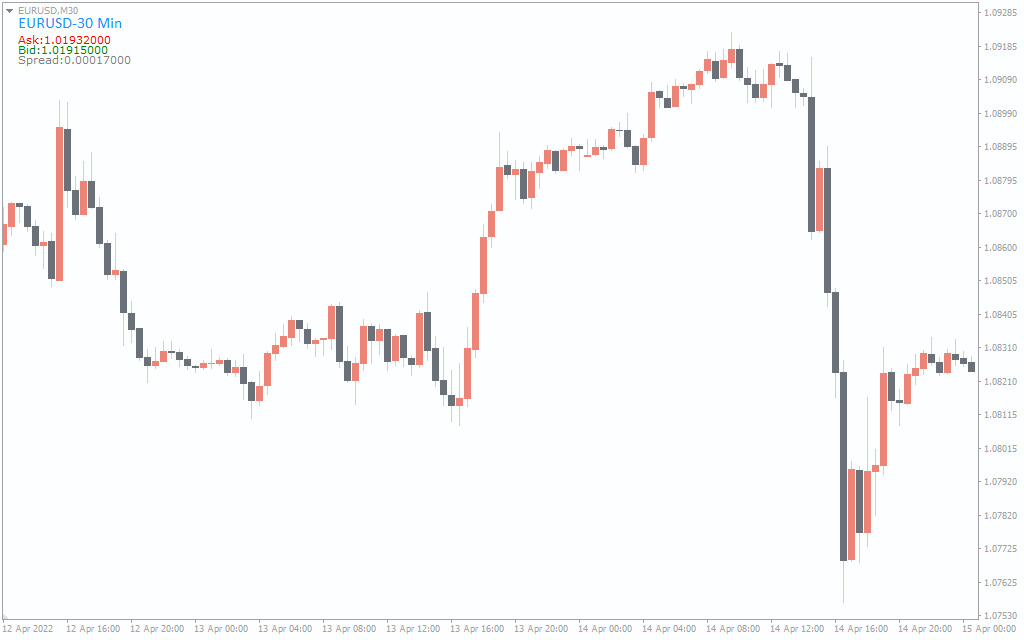
The Hot Keys indicator enables you to swap between MTF charts. Apply the following keys to access your desired timeframes:
- 5 = 5 minutes
- F = 15 minutes
- 3 = 30 minutes
- 1 = 1 hour
- 4 = 4 hour
- D = Daily
- W = Weekly
- M = Monthly
Please note that the configuration may differ based on keyboard types. In case the above layout doesn’t work, apply the following alternative keys:
- 1 = 1 minute
- 2 = 5 minute
- 3 = 15 minute
- 4 = 30 minute
- 5 = 1 hour
- 6 = 4 hour
- 7 = Daily
- 8 = Weekly
- 9 = Monthly
The ideal strategy is to decide your trading directions based on daily and weekly timeframes. Then determine the level and timing of the buy/sell entry using shorter timeframes like 30-minute to 4-hourly charts.
Conclusion
The Hot Keys MT4 indicator is not a traditional buy-sell signal generator. It helps you roam around different timeframe charts with a simple key press. Our review suggests the indicator is best for MTF traders in forex and stock markets.

1 2 3 4 5