Auto Trend Channels Indicator
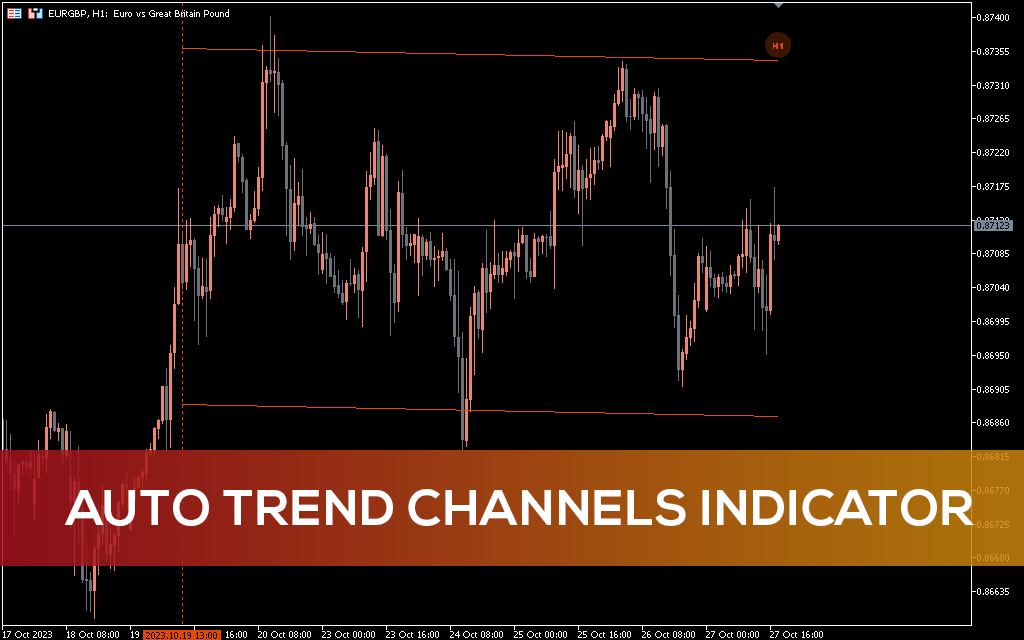
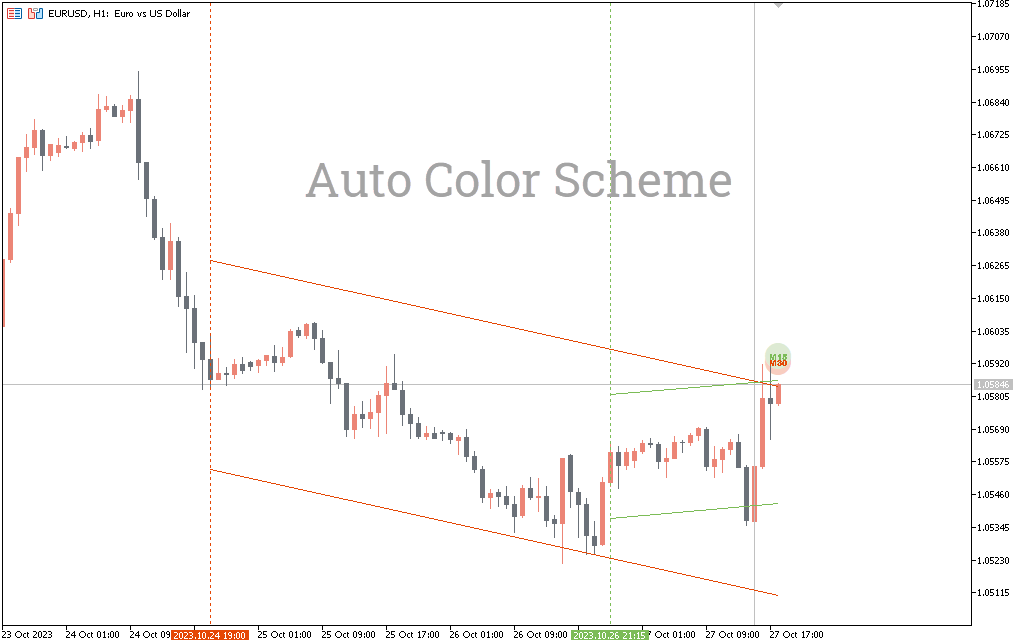
Auto Trend Channel is a fairly advanced indicator that allows you to display a trend channel on a chart of a currency pair, each of which corresponds to its own timeframe.
Description
The Auto Trend Channel indicator allows you to easily analyze the dynamics of trend movement in the long and short term.
Automatically building channels using the indicator will allow you to save a lot of time and achieve more impressive trading results.
The lines that act as channel boundaries also act as price levels. These channel lines allow you to use them when trading pending orders.
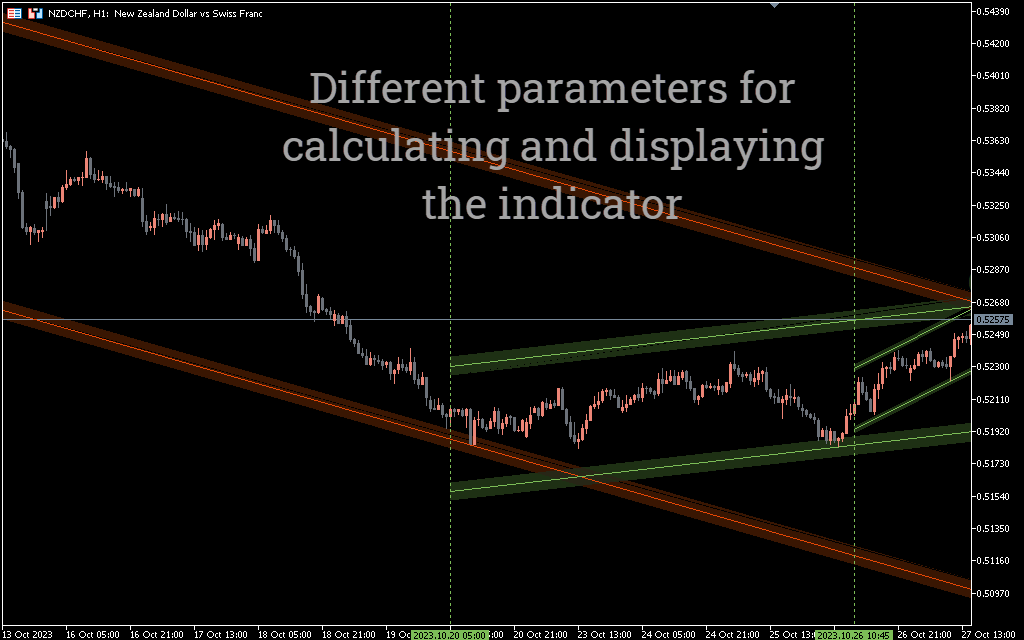
After installing the indicator, a price channel should appear on your terminal screen. If necessary, visual settings can be changed at your discretion.
In addition, the thickness of the lines is also different. It changes depending on user settings.
How to Trade with Auto Trend Channels Indicator
The price can move in a trend channel in different ways. There are true and false breakdowns. In the case of a true breakout, the price moves inside the channel for some time, and then at some point breaks the resistance line. Confirmation of a true breakthrough is the transformation of the resistance line into support. In this case, the trader needs to wait for a new price channel.
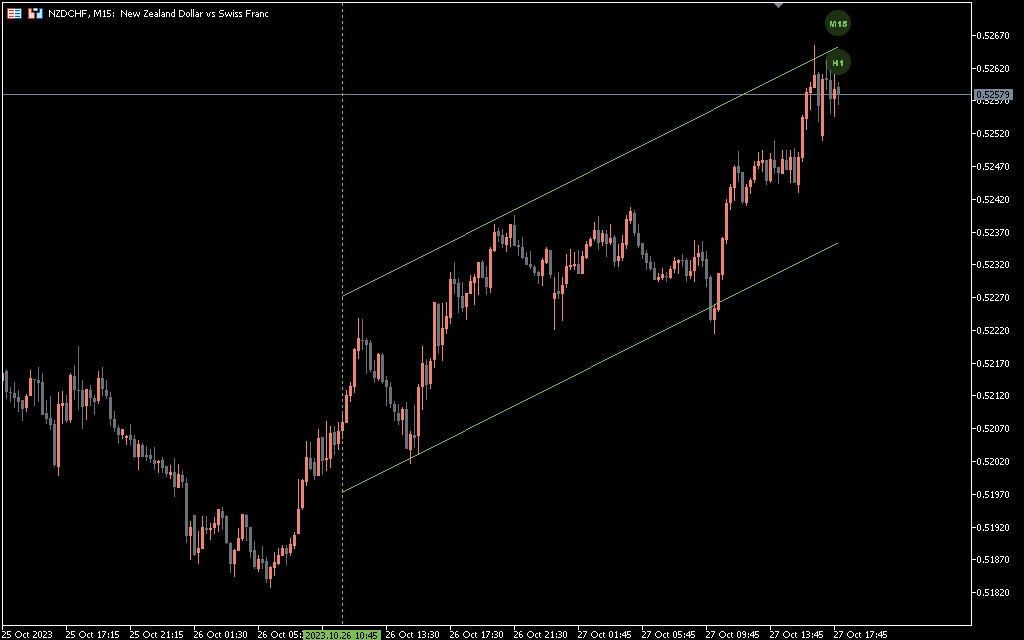
We determine whether a breakout is false or not by one or more candles formed after the channel is broken through. A true breakout is visualized when the price no longer returns to the trend channel. Price movement in a trend channel when it does not reach the resistance line in a bullish trend or the support line in a bearish trend.
It should be noted that clear boundaries of price channels are rarely observed. Usually the price movement shows a breakout without confirmation. In this case, the trader needs to use other confirmation signals.
Trading strategy for the Auto Trend Channel indicator
Let’s look at trading strategies using the Auto Trend Channel indicator.
Setting up automatic purchase on the Trend channel
- Wait for a clear upward breakthrough of the channel.
- After the breakout, wait for a bullish candle to appear.
- Place take profit near horizontal resistance.
- Place a stop loss a few pips below the upper boundary of the trend channel.
Setting up automatic sales using a trend channel
- Wait for a clear downward break of the channel.
- After the breakout, wait for a bearish candle to appear.
- Place take profit near horizontal support.
- Place your stop loss a few pips above the lower boundary of the trend channel.
Output Automatic trend channel indicator
The Auto Trend Channel indicator reduces the time it takes to manually draw a channel on the chart. You can use automatic chart generation. Moreover, you can build a trading strategy based on the indicator. However, the strategy must be tested on historical data and a demo account to get results before it is put into operation.

1 2 3 4 5