
Multi Time Frame Indicator (MTF)
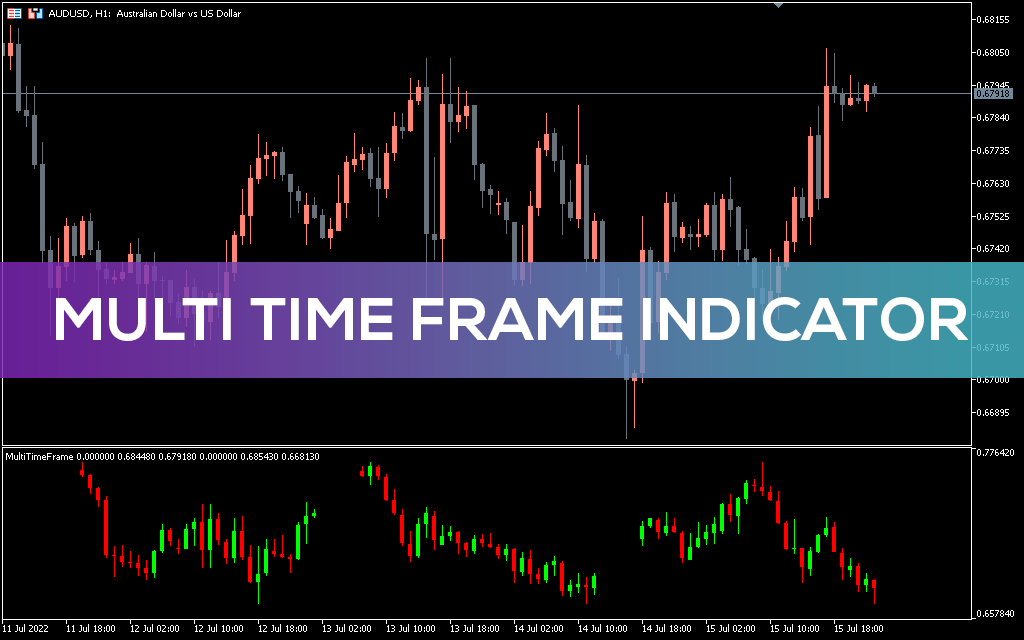
Multi Time Frame (MTF) indicator for MT5 gives traders an overview of the market structure by displaying the main, intermediate and primary timeframes respectively.
Description
There are different participants in the forex market. This means that different forex traders may have different opinions about how the pair trades. Thus, market trends and sentiment can vary across all timeframes. For example, a currency pair on the H4 chart may be in a downtrend, while on the M30 timeframe it may be in an uptrend.
The fact that different timeframes have different market views and trends means that smart traders should keep an eye on the chart on each timeframe. An overview of different timeframes of a simple currency pair on the same chart can be obtained using the Multi Time Frame indicator.
Foundation Multi Time Frame Indicator
The Multi Time Frame Indicator (MTF) for MT5 gives you a deeper understanding of the forex market by displaying 3 different time frames of the same currency pair on the same chart. These 3 timeframes are displayed in the chart indicator window. This indicator displays timeframe bars from higher timeframes to lower timeframes. These 3 displayed timeframes are the weekly timeframe (W1), the daily timeframe (D1) and the 4 hour timeframe (H4) respectively.
The chart below shows how the Multi Timeframe is displayed on an MT5 chart.
In the EUR/USD chart above, the H1 multi-timeframe displays the weekly, daily, and H4 timeframe charts on the left, respectively. Using this indicator allows traders to decide whether to go long or short in the forex market. It’s because of this indicator:
- Give different viewpoints and perspectives on a currency pair over three time frames;
- Let traders know what other market participants think;
- Enable traders to notice trend changes earlier;
- Help confirm a trend change at a higher time frame;
- Allow traders to identify upcoming areas of support or resistance;
- Give traders the opportunity to see the small, medium and big picture of a particular currency pair.
In addition, this indicator can help traders enter or exit a trade as early as possible. In the forex market, the higher the timeframes, the more importance they need to be given. Therefore, market analysis should start from higher to lower timeframes before traders can make a buy or sell decision.
The weekly timeframe displayed by this indicator is the main timeframe used to determine the main trend. This timeframe shows the bigger picture of the market. The trend in this time frame takes time to form, so it is given the highest priority.
Also, the daily timeframe displayed by this indicator is the middle or intermediate timeframe. This indicator is used to identify gaps in the market structure, as well as entry and exit points.
Finally, the H4 timeframe displayed by this indicator is the main timeframe used to confirm entry or exit from a position.
The chart below gives a brief overview of how to use the Multi Time Frame Indicator for MT5 to make an entry decision.
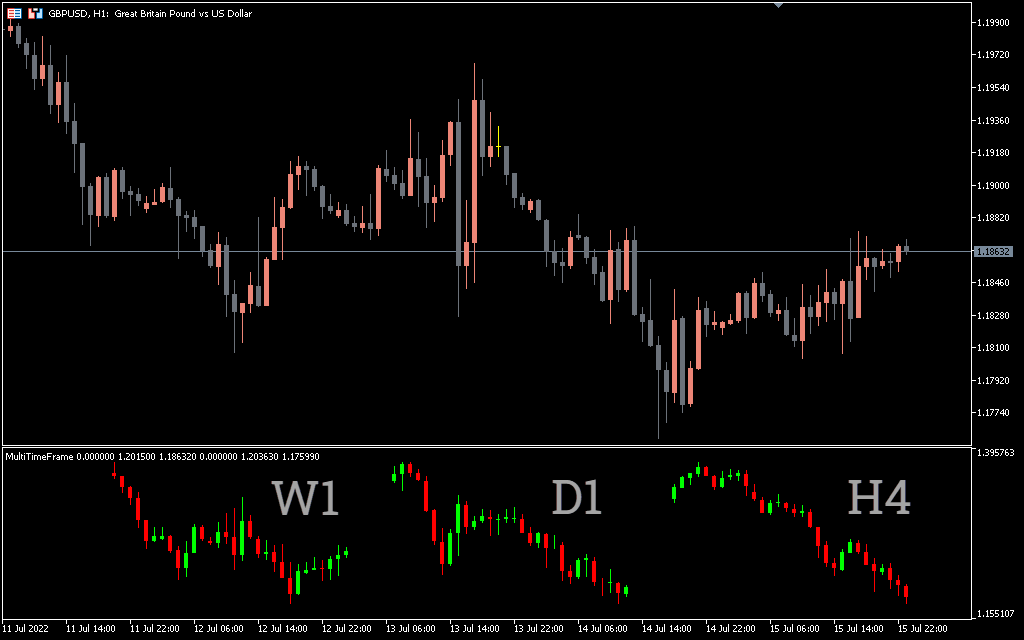
In the GBPUSD H1 chart above, the weekly chart is clearly in an uptrend, as indicated by bullish momentum. Also, on the daily timeframe, the current two candles are bullish. And finally, bullish momentum is picking up on the 4-hour chart. This is a signal that forex traders can open a buy position.
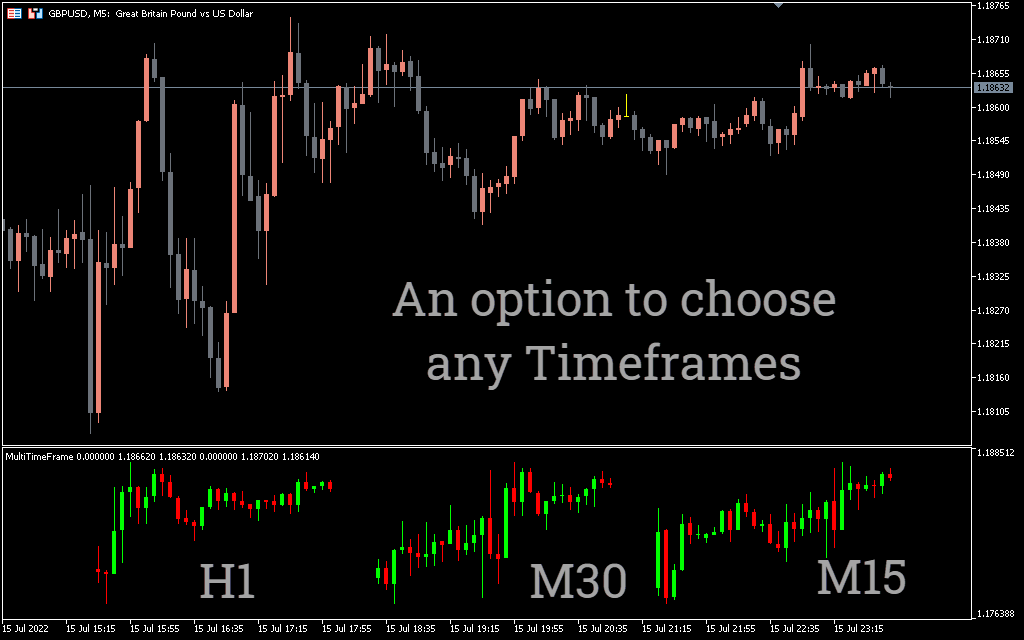
This indicator can be used by all types of traders: scalpers, intraday traders, swing traders and position traders. Also, scalpers can set this indicator according to their preferred time frames such as M30, M5 and M1 or M30, M15 and M1. In addition to this, intraday traders can also set this indicator to H4, H1 and M15 timeframes or D1, H4 and H1 timeframes.
Swing traders can set this indicator to W1, D1 and H4 timeframes. Finally, position traders can set this indicator to MN, W1 and D1 timeframes.
Conclusion
The Multi Timeframe Indicator for MT5 gives traders an overview of the market structure by displaying the main, intermediate and primary timeframes respectively. This indicator can be used by all traders and can be adjusted in the indicator settings according to the traders’ timeframe priorities.