Corona Dashboard V1 Indicator
The best dashboard MT4 indicator used to track changes in market sentiment, trend reversals & price swing positions. Suits forex & stock trading on MTF charts
Description
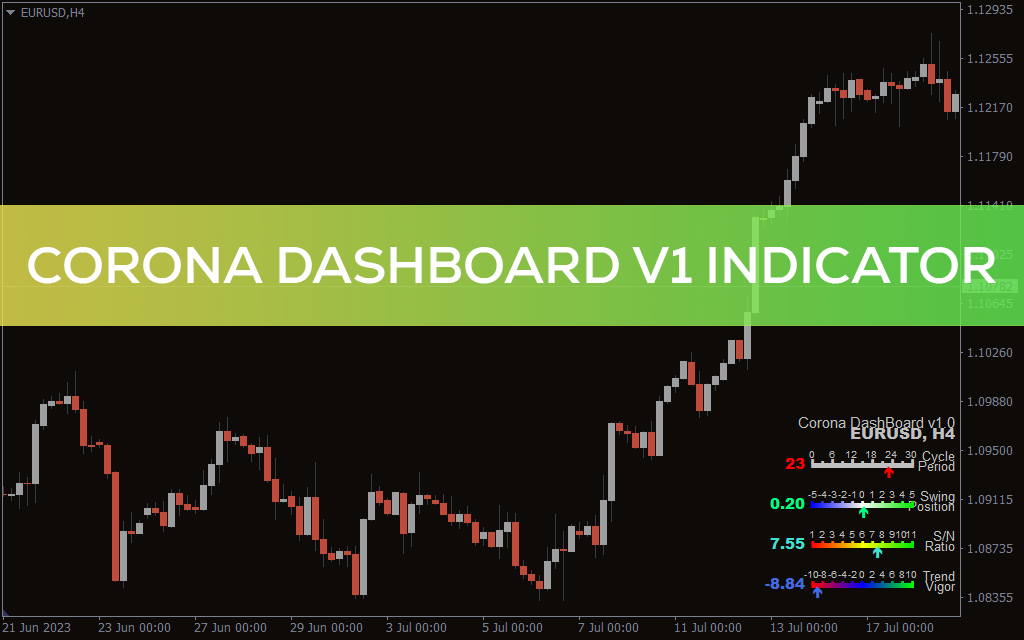
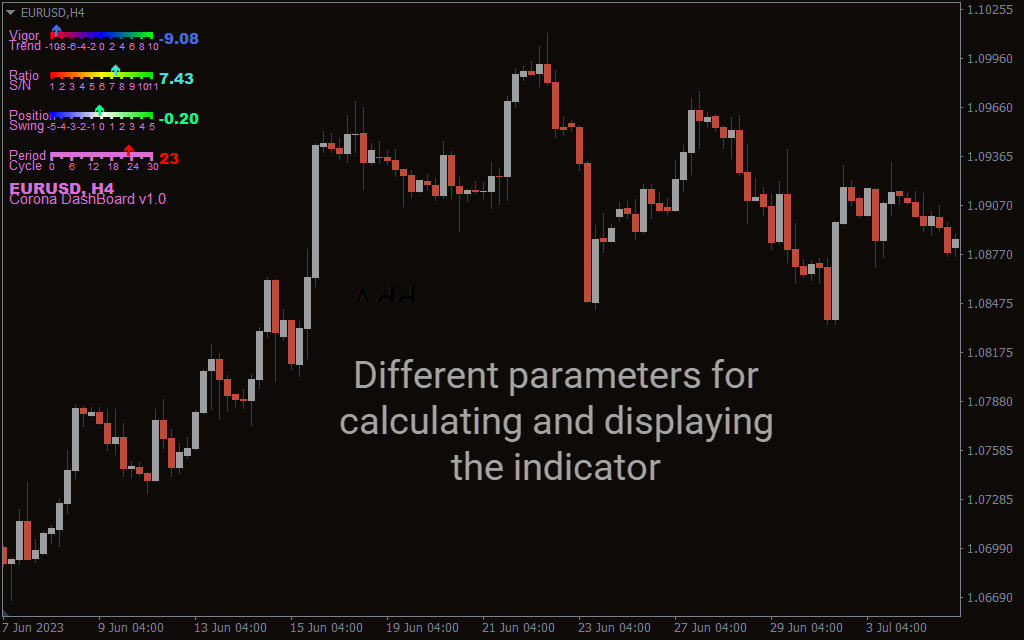
The Corona Dashboard V1 Indicator examines market trends using multiple filters and displays useful technical insights on the main price chart.
It helps forex and stock traders make trend-following trading decisions using MT4 platforms. Additionally, it can help you spot potential reversals or breakouts, giving you an edge in the markets.
This guide explains how to determine buy-sell signals using the Corona Dashboard V1 Indicator in MT4.
How to Trade Using Corona Dashboard V1 Indicator in MT4
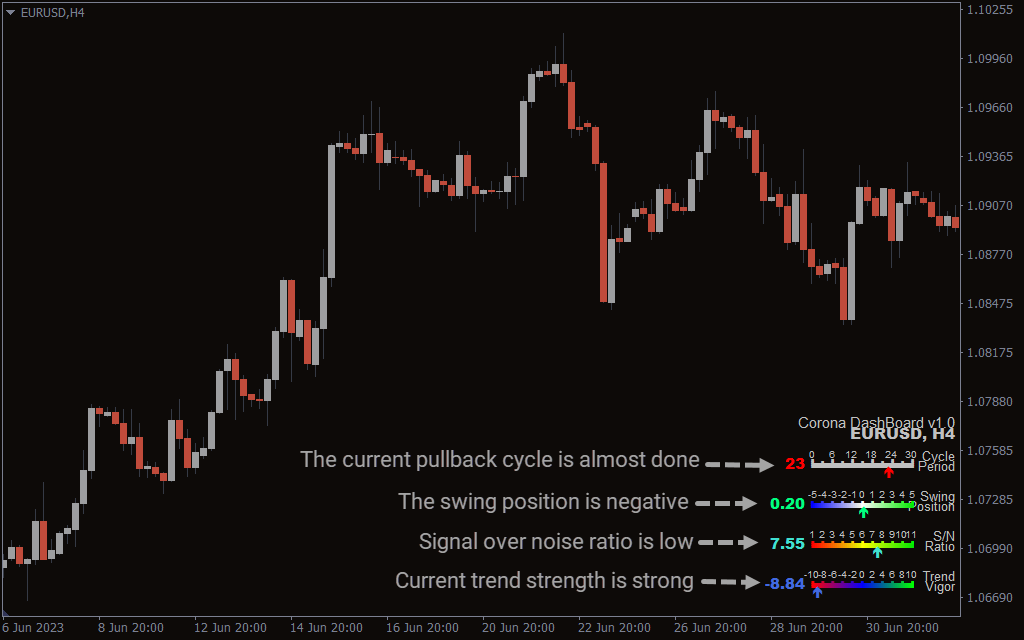
The indicator gives you a clear picture of the strength of the trend, which can help you determine when to enter or exit a trade. The Cycle Period shown at the top of the signal panel indicates whether the price is at the beginning or end of a trend cycle.
In the second row, it shows the Swing Position signal, suggesting how likely the price is to change the current momentum. The S/N (signal over noise) ratio determines if the market is on trend or under consolidation.
The Trend Vigor feature at the bottom signals the strength of the trend. Before you enter a buy or sell, you must ensure the trend vigor value is above 8 to confirm the trade is following the correct trend.
Conclusion
The Corona Dashboard represents a classic trend analysis tool that can be equally effective for both beginners and experienced traders. Its technical insights give you a clear overview of the current price momentum and help you project the upcoming price movement. Using it alongside a proven trading strategy in MT4 can significantly improve your trading performance and profitability.