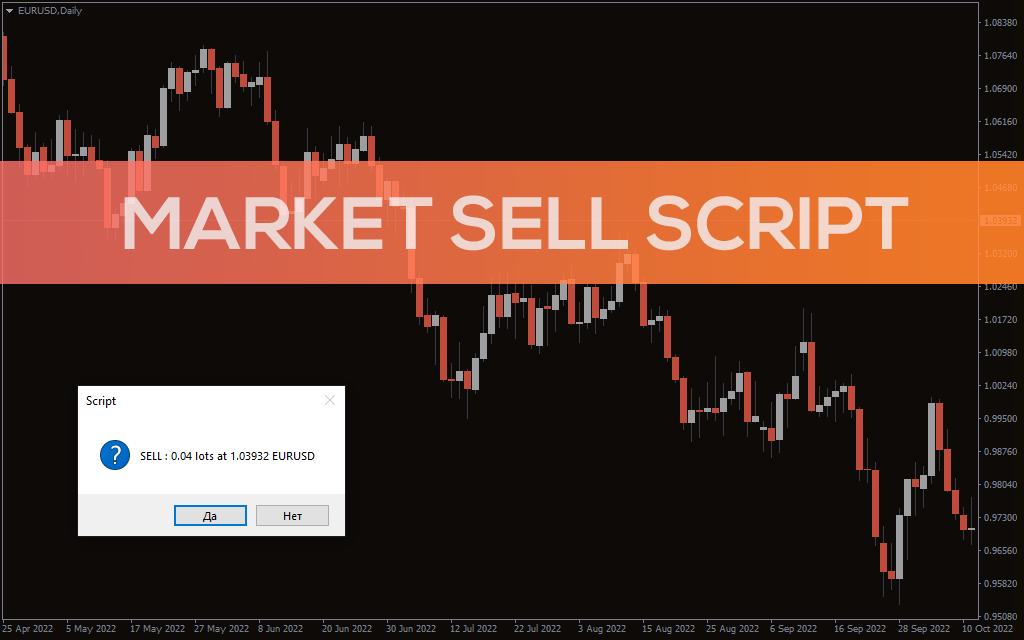
Market Sell Script
Market Sell Script For MT4 places a market sell order instantly and helps technical forex traders execute market sell orders with ease.
Description
The market Sell script is an effective tool to place a sell order in the market immediately. By using the script, the Sell order is placed instantly to the broker for execution. Moreover, the script prompts for an additional confirmation before placing the sell order.
Scripts provide an easy method for execution of the orders. Generally, they perform simple technical, analytical and trading functions. As a script, forex trader can execute the market sell script for MetaTrader4 whenever required to place a sell trade.
The Script is very user friendly and easy to apply so, it is helpful for new and advanced forex traders.
Market Sell – MetaTrader Script Application
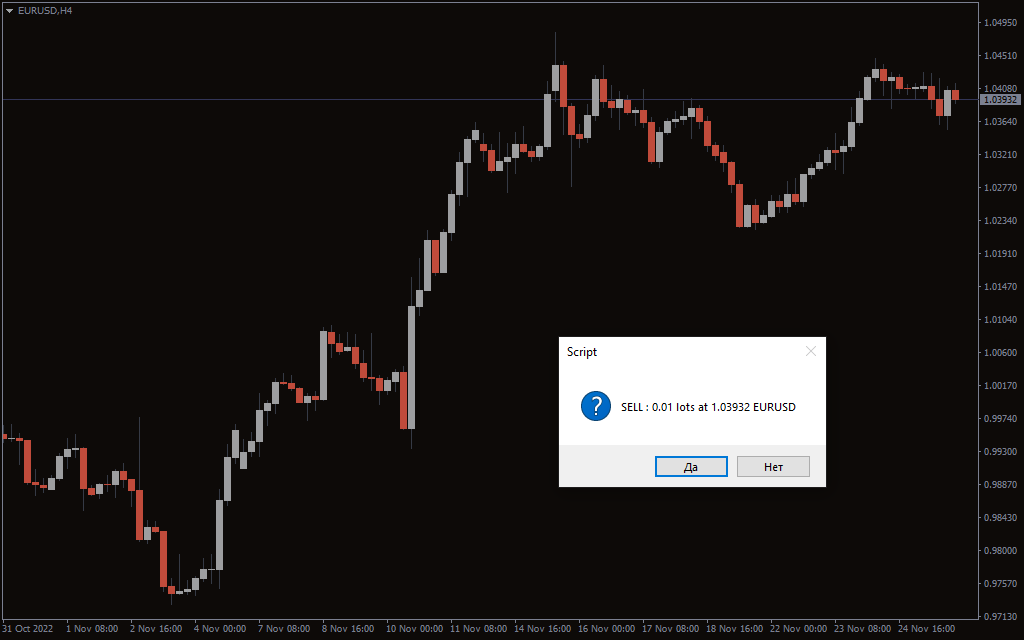
The above GBPUSD H1 candlestick price chart shows the Market Sell script in action. Traders can input the desired lot size and acceptable slippage for the Sell order. Once the trader clicks the OK button, the script prompts the user with a confirmation.
Once the trader clicks the YES button the script places a SELL order. This order is executed with the current market with or without a potential slippage.
This script finds its application mostly with breakout trading strategy. If, the technical analysis suggests a potential break out is due. Technical forex traders can wait for the confirmation of breakout.
Upon a breakout confirmation the traders can execute the script. The execution of the script will result in a market sell order.
Similarly, forex traders using support based trading strategies can also use this script effectively. Once the price breaks below the support level, technical traders can execute the script immediately within the slippage.
Conclusion
The Market Sell script for MetaTrader is a simple and effective tool to place a market sell order.