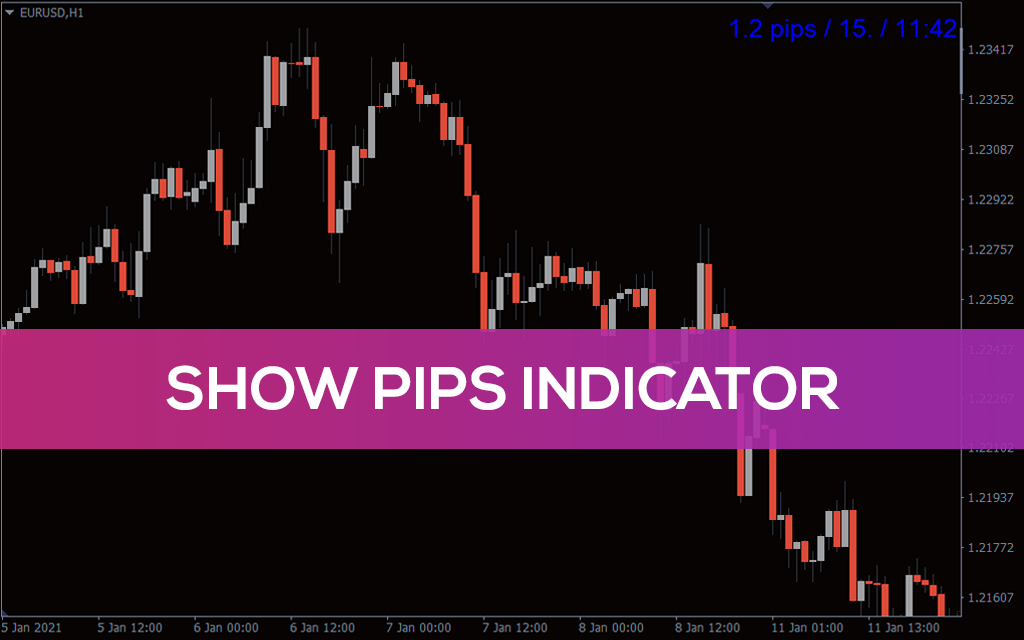
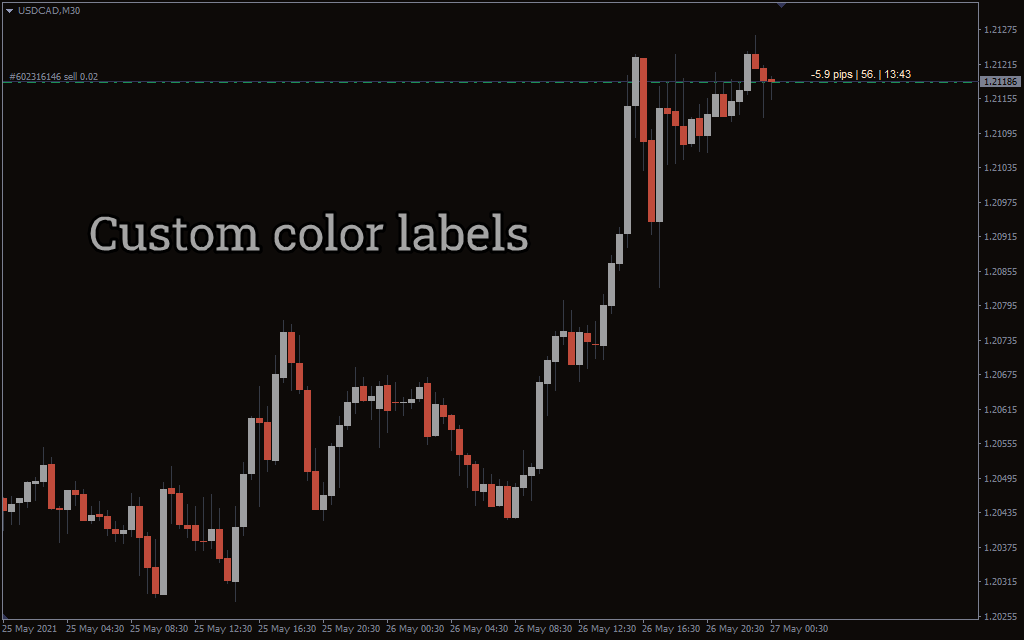
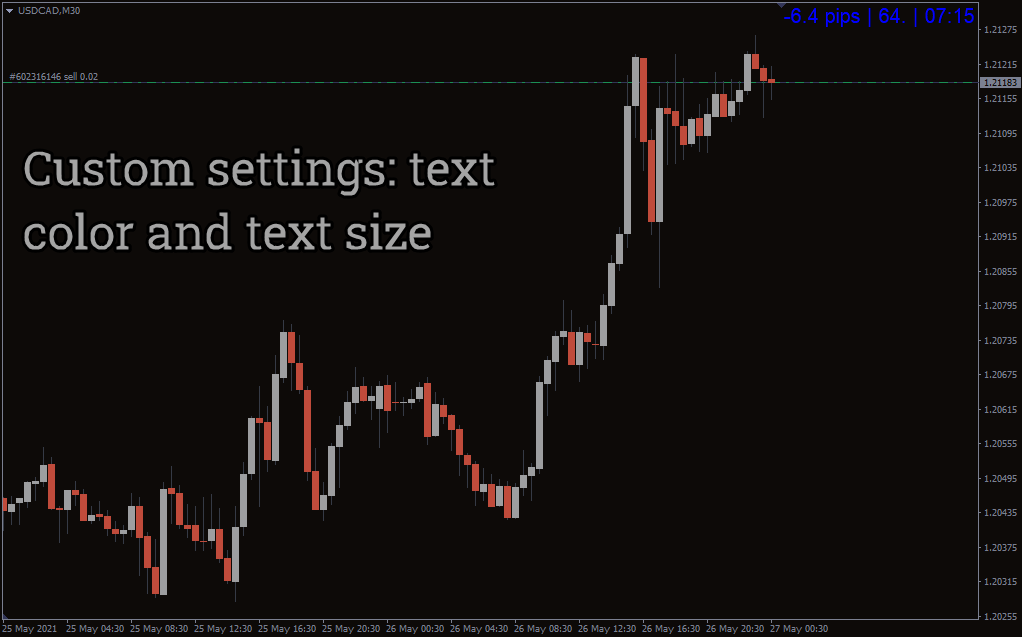
Show Pips MT4 indicator
This informational indicator will be useful for those who always want to be aware of the current situation.
Description
This MetaTrader indicator is a fantastic tool for forex traders. It is convenient and displays multiple information. Example, about the open positions such as loss of profit in pips, percentages and US dollar value. Also, the spread of the current symbol, and time left for the current bar close. For those who like similar utility tools, we also feature the Pipsometer 5 Decimal Indicator and the Show Spread Indicator, which perfectly complement the Show Pips indicator by offering even more precision and transparency on trade statistics.
When I first launched this indicator on my MT4, I immediately appreciated how quick it was to set up — install, refresh, and it appeared in the corner of my chart without disturbing the price action view. What stood out to me was the clarity: seeing profit and loss not just in pips but also in dollar value and percentage terms made money management decisions much faster. In my trading, I’ve noticed it’s particularly handy during volatile sessions, because I don’t need to manually calculate exposure — the numbers are right there in front of me.
Show Pips Metatrader indicator trade statistics display
The above EURUSD H1 chart has a sell position. The details on the top right corner of the Metatrader window provide the forex trader with a clear view of all the statistics about this position.
The indicator shows loss and profit in pips and dollar value to help the trader monitor the position. The profit or loss shown in percentages helps the forex trader for account management and money management and for managing the risk within the acceptable risk limits.
The spread information comes in handy during important news releases while using a variable spread account. Obviously, the Show pips MT4 indicator is very flexible and is easy to install, and free to download. It is beneficial for both new and experienced traders.
However, the only limitation of this Metatrader indicator is that it does not show loss or profit in pips for every position separately. If there is more than one open position in a particular currency pair.
The best indicator settings, in our opinion
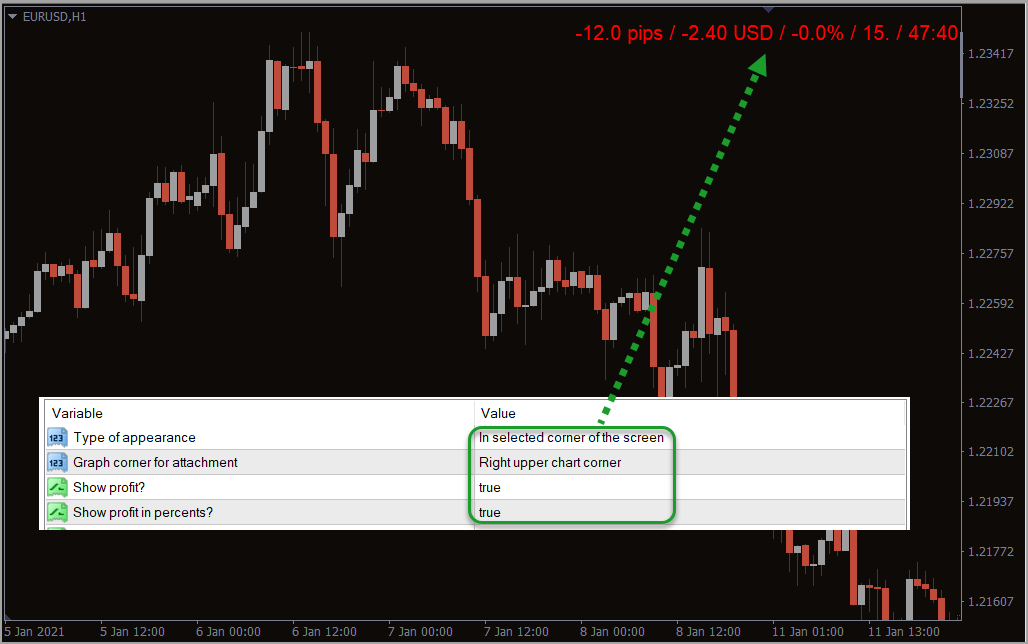
However, it is important to add clarity in the display and to have a non-intrusive display of the details. So, the default values of the show pips Metatrader indicator settings are changed as shown in the above image. As a result, the show pips MT4 indicator now shows the loss or profit in pips. Besides dollars and a percentage, spread value of the currency pair, time left for the current candle to close on the top right upper corner of the chart.
Pros and Cons of the Show Pips MT4 indicator
 Pros
Pros
- Displays multiple vital statistics (pips, $, %, spread, candle time).
- Saves time for risk and money management decisions.
- Quick installation and easy to read interface.
- Works well for both new and experienced traders.
 Cons
Cons
- Does not separate P/L in pips for each individual open position.
- Can clutter the screen if combined with too many other indicators.
- Requires manual adjustment if traders prefer a different display style.
Conclusion
In conclusion, the Show Pips MT4 indicator is an important tool for Forex traders. It provides all vital statistics of a particular trade right in front of the trader, particularly its loss or profit in pips. Besides, the Metatrader indicator is free to download and is a tool that supports the forex trader in every possible way. From my own trading, I can confirm that having these numbers constantly visible makes it easier to stay disciplined and respect risk limits. For those who want to explore more advanced setups, I recommend checking out our blog post on Best Indicator Combinations, which shows how tools like Show Pips can be combined with others to maximize efficiency.
Frequently Asked Questions (FAQ)
 Does the Show Pips indicator work with all brokers?
Yes, it works with any MT4 broker, regardless of account type.
 Can I customize the display location?
Yes, the settings allow you to adjust where on the chart the statistics appear.
 Does it calculate profit in real-time?
Yes, the indicator updates dynamically with every tick.
 Is it suitable for scalpers?
Definitely — scalpers benefit from instant spread and P/L visibility.
 Can it track multiple trades at once?
It shows combined values for all trades on the same pair but does not split pips per position.