

RSI Signal Indicator
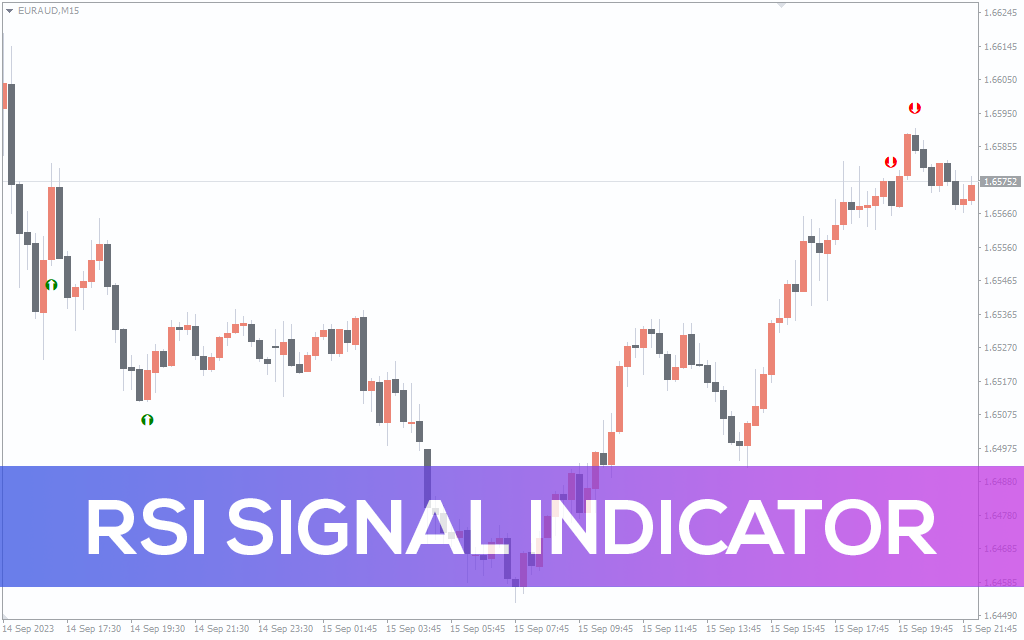
Enhance Your Trading with the RSI Signal Indicator for MT4 – Receive Overbought and oversold Alerts, Trade Signals, and Customizable Settings.
Description
In most cases, it proves advantageous to receive notifications when the RSI enters overbought or oversold territories or when it reverts to a normal range, as such situations can present potential trading opportunities. These alerts can be particularly valuable for strategies that focus on trend reversals. To address the absence of this feature, you can install the RSI Signal indicator for MetaTrader.
This indicator allows you to receive notifications when specific conditions are met.
An additional intriguing feature of the MetaTrader RSI Alert indicator is its ability to display buy and sell signals as arrows when a signal is generated.
How To Use The Rsi Signal Indicator For Mt4
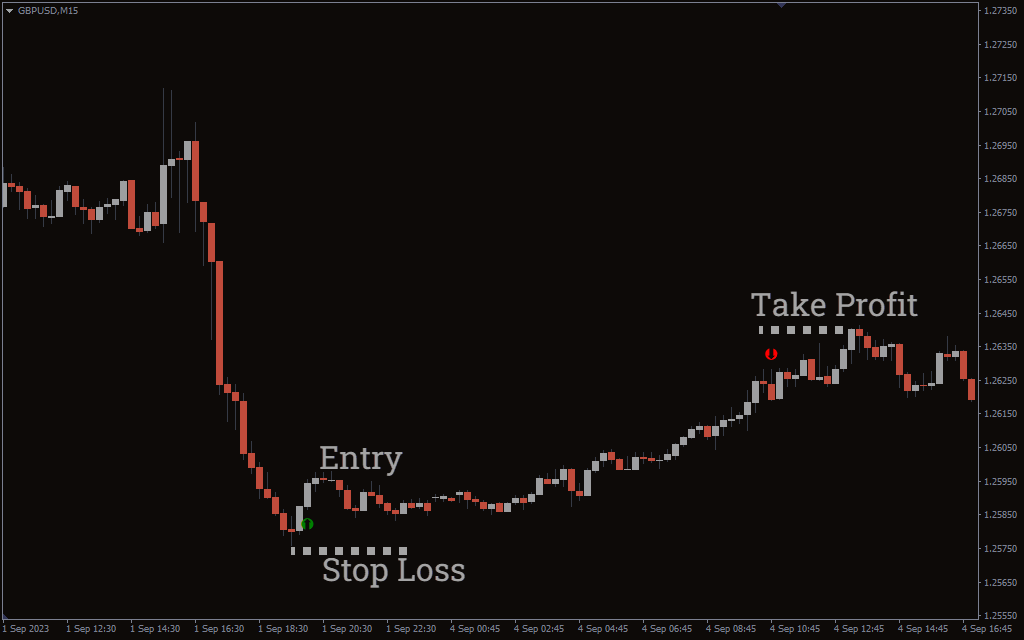
The market is oversold when the RSI falls below 30 and a solid purchase opportunity exists. The indicator will indicate a green arrow on the chart. Wait for the next candle to form, then enter. Place your stop on the previous low, then exit the trade when the indicator indicates a red arrow on the chart.
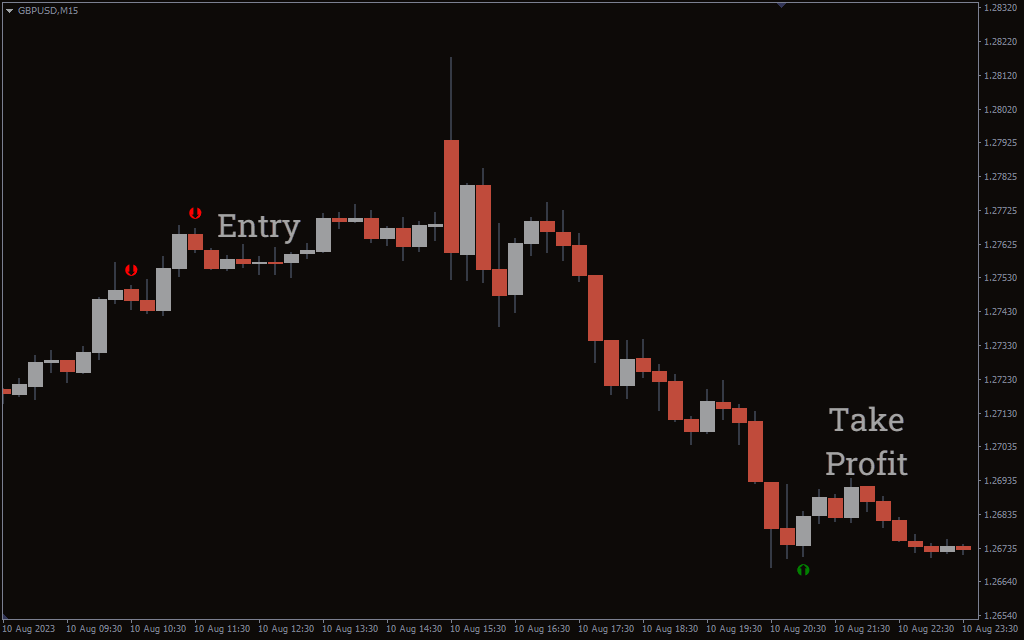
When the RSI is above 70, the market is overbought and represents a favourable selling opportunity. The indicator for MT4 will indicate a red arrow on the chart. Enter the trade on the closure of the next candle, then put your stop on the previous high. Exit the trade when the RSI signal indicates a green arrow on the chart.
Conclusion
The RSI Signal indicator for MT4 is a development of the original RSI indicator. It provides notifications for when the market is overbought or oversold. It also provides trade signals that are represented by arrows on the chart.