Max Volume in Bar Indicator
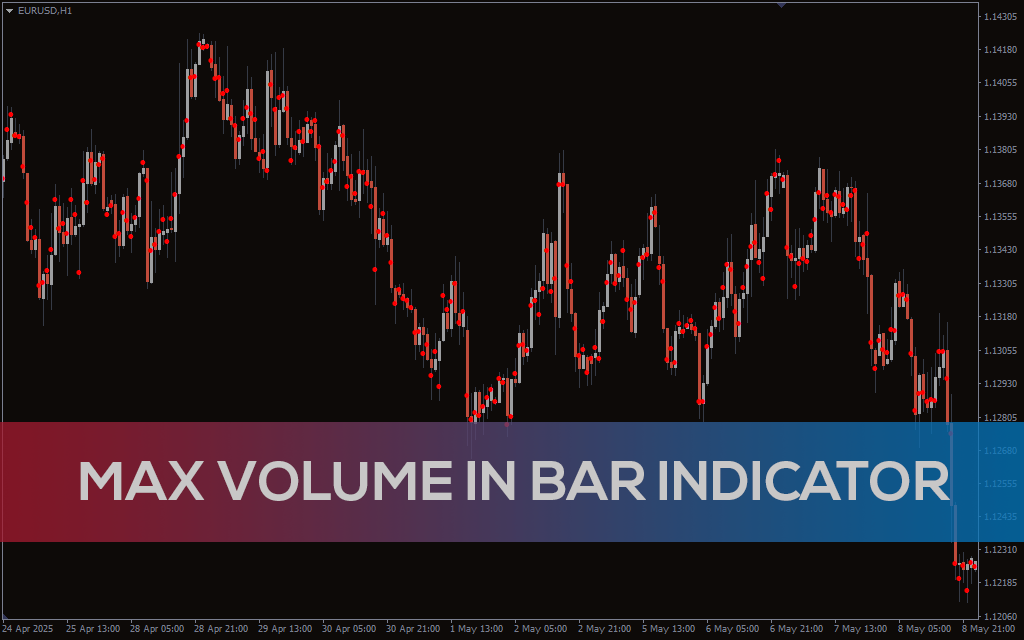
Spot the most critical price levels with the Max Volume in Bar Indicator for MT4. This tool marks the point of maximum volume in each candle and allows multi-timeframe volume profiling.
Description
Every trader has probably wondered at some point how to determine the exact location of the highest traded volume within a single bar—just like in professional exchange terminals. Now, with the Max Volume in Bar Indicator for MT4, this becomes a reality.
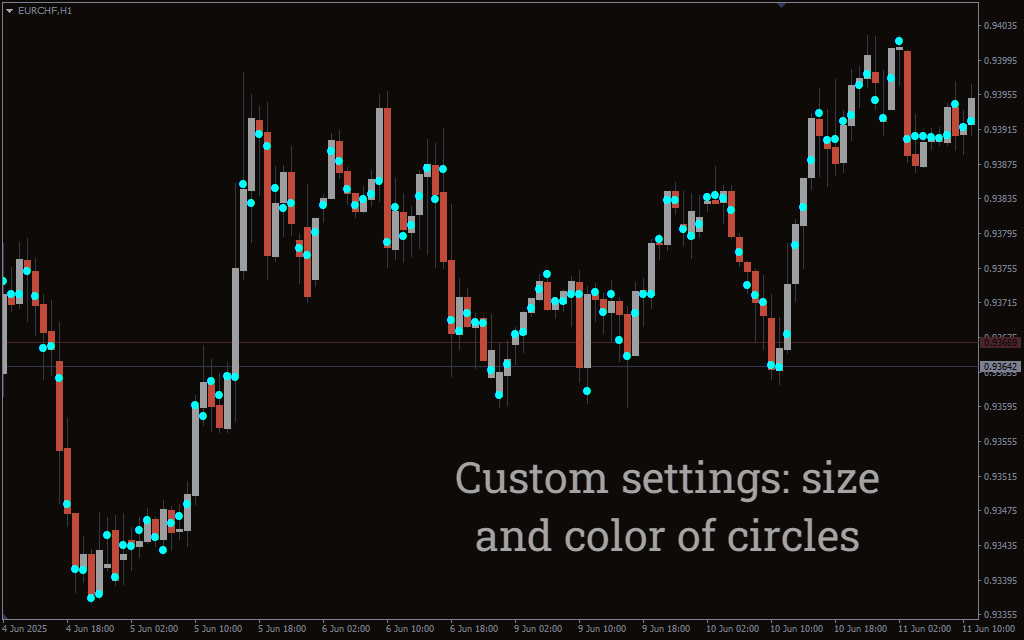
This tool highlights the point of maximum volume (or trade accumulation) inside each candle with a simple dot. As shown in the screenshots, this visual cue often corresponds to highly respected price zones. In volume profile terms, this level is often referred to as the POC (Point of Control) — the price point within the bar where the highest volume was transacted. Recognizing the POC on each candle helps traders spot the levels that attract the most interest from market participants, similar to the POC concept seen in full-volume profiles.
But how can you use it in practice? Here are a few actionable ideas:
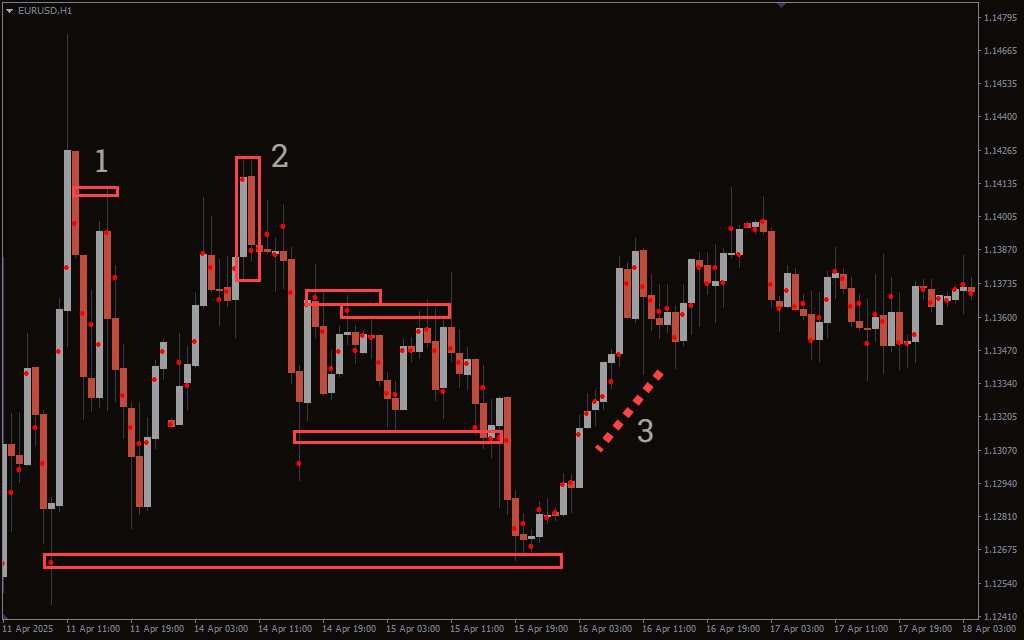
- Testing key max volume levels: These often act as price magnets or resistance zones.
- Spotting Up-Thrusts (UTs): When volume concentration appears on the opposite ends of the pattern, it may hint at reversal setups.
- Validating trends: When the volume “core” rises with price, it supports the strength of the movement.
Max Volume in Bar Indicator Trading Signals
The indicator operates in two modes:
- Current Timeframe Mode (default): Shows the max volume point inside each candle based on the active chart’s timeframe. This is helpful for pinpointing recent intrabar action.
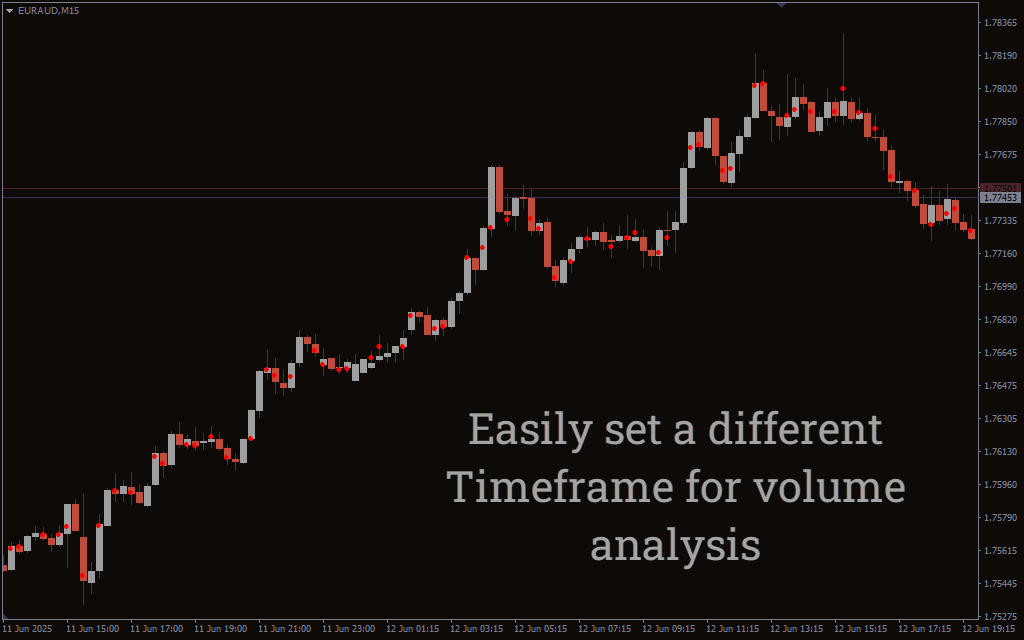
- Higher Timeframe Mode: You can choose a higher timeframe in the settings (e.g., D1) while staying on a lower timeframe chart (e.g., H1). The indicator will then draw the maximum volume level from the higher timeframe onto your current chart.
This provides multi-timeframe volume context, making it easy to spot key levels with higher-order significance.
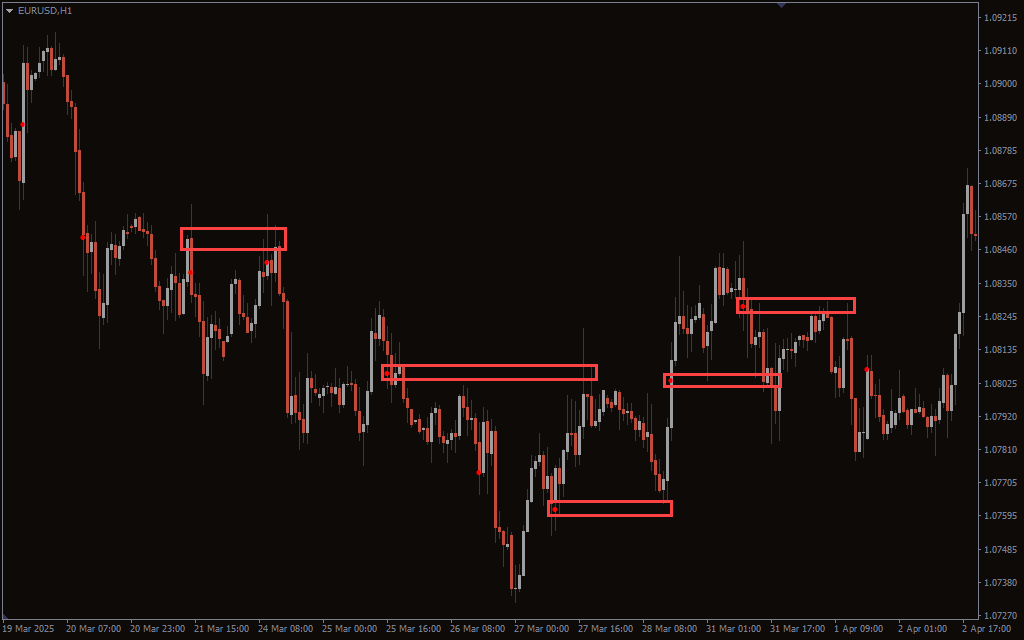
You can even enable Weekly mode, which plots the weekly max volume level while you monitor lower timeframes like H1 or M15. These higher timeframe levels often hold better for support/resistance trading or trend continuation.
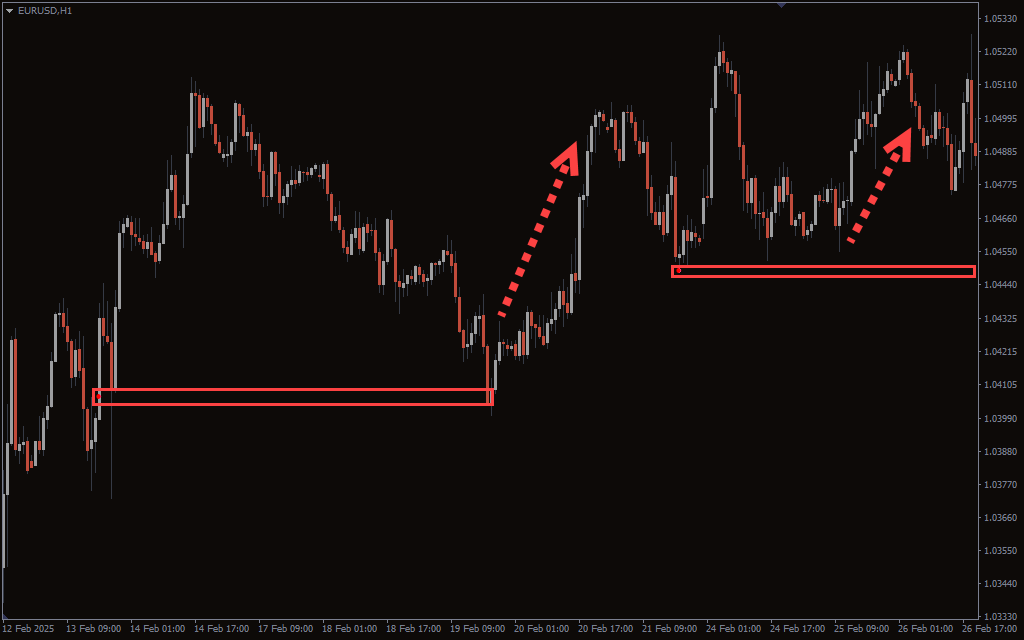
Conclusion
The Max Volume in Bar Indicator for MT4 offers a simple yet effective way to visually identify the price level where the most trading activity occurred in each candle. Whether you’re identifying volume clusters, validating trend legs, or catching up-thrusts, this tool provides precise volume insight that enhances your technical strategy. With the added ability to see the POC for each bar, you can align your trading decisions with the true volume heart of the market.
It’s free to download and easy to experiment with. Just remember: volume analysis works best in combination with other tools and strategies. Also, make sure your MT4 platform has enough historical data loaded—since this indicator depends heavily on it for accuracy.