

Delete All Object Script
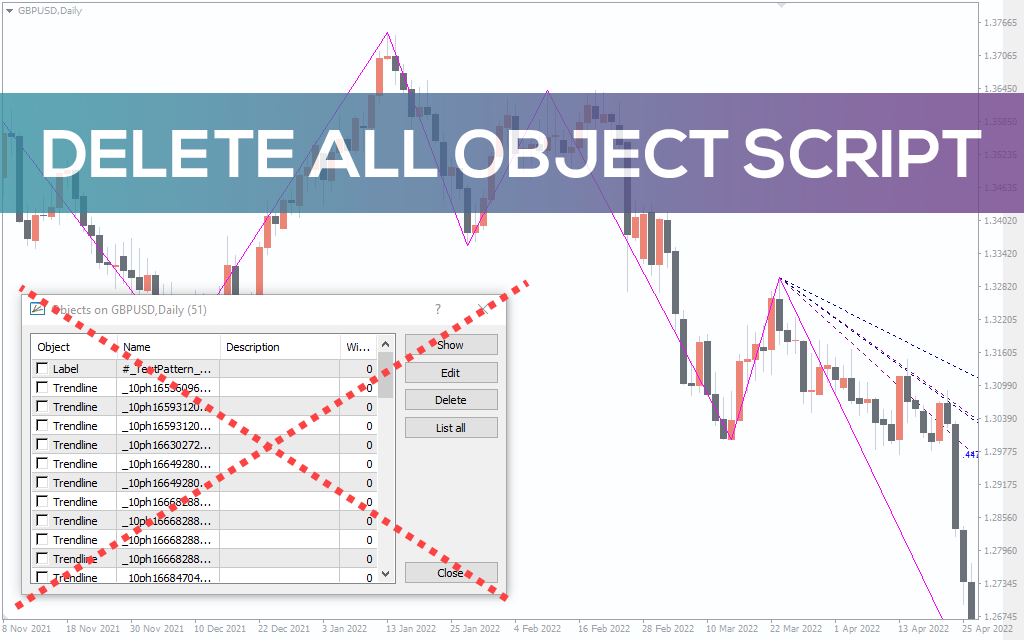
Delete All Object Script, as the name implies, deleting all tools is an easy-to-use tool designed to delete all objects on the trading chart. It is available for free on meta trader.
Description
Technical traders tend to use a combination of indicators to trade. Essentially, you can use a combination of indicators or one at a time. But ultimately, you need to delete the indicator to see the price action clearly. This helps you make unbiased decisions about which position to trade. Some indicators have numerous objects, and deleting one object at a time can be an arduous task. This is where the Delete All Object script comes in handy.
How It Works
Ideally, you want to start by installing a script. This involves installing the script file in the script folder under the MQL4 folders and running the script in the navigator window. Once you run the script, it deletes all the objects running in the chart.
The Script in Use
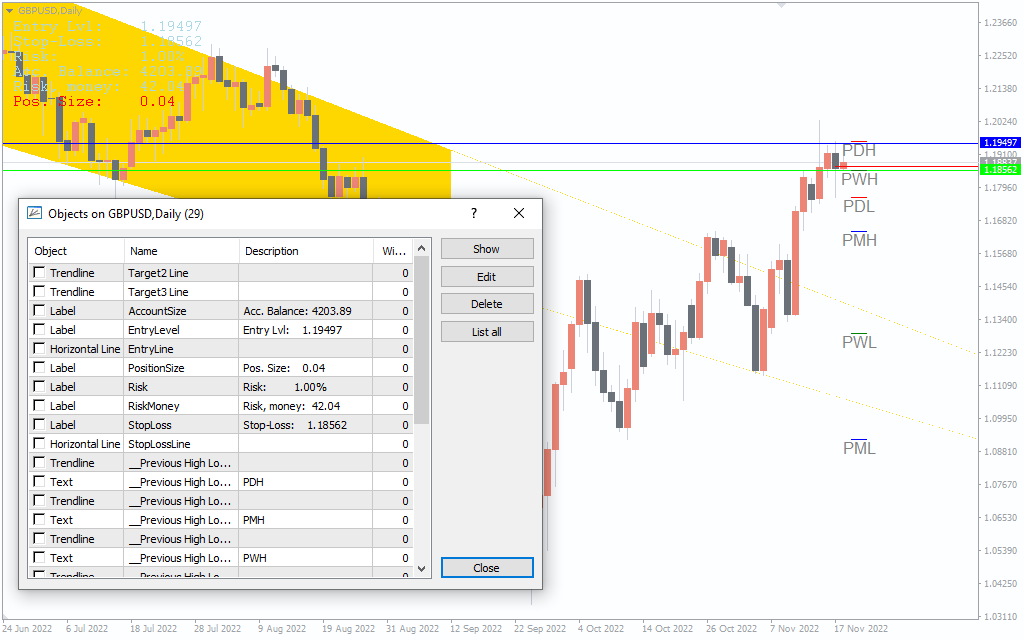
Let’s take a Previous High Low and Pattern indicators as an example. However, once you are done with using the indicator, you will want to delete the indicator to use another tool or view the naked price action. The indicator has about 30 objects. If you decide to delete each object one by one, it means waiting time which you would otherwise use to analyze. Worse still, you can miss suitable trading opportunities as you do the mundane work of deleting all indicator objects. Luckily, running the script deletes all objects at once.
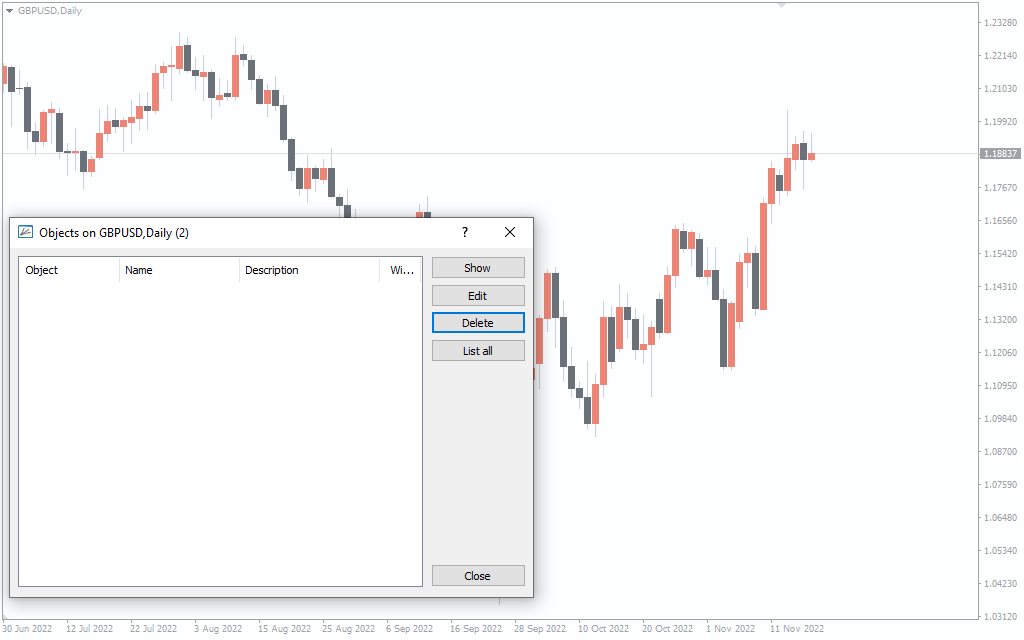
You can modify the script by right-clicking it in the navigator window. Also, you can set the hotkeys for easy execution. This means you only have to hit a combination of keys to run the script, and viol, all objects on the chart are gone!
Conclusion
Technical trading might involve using a dozen of indicators. By running the script, you can easily delete objects on the chart after using the mt4 indicator. Delete All Object script is designed to make your trading a breeze. Don’t take our word for it. Try it out today.