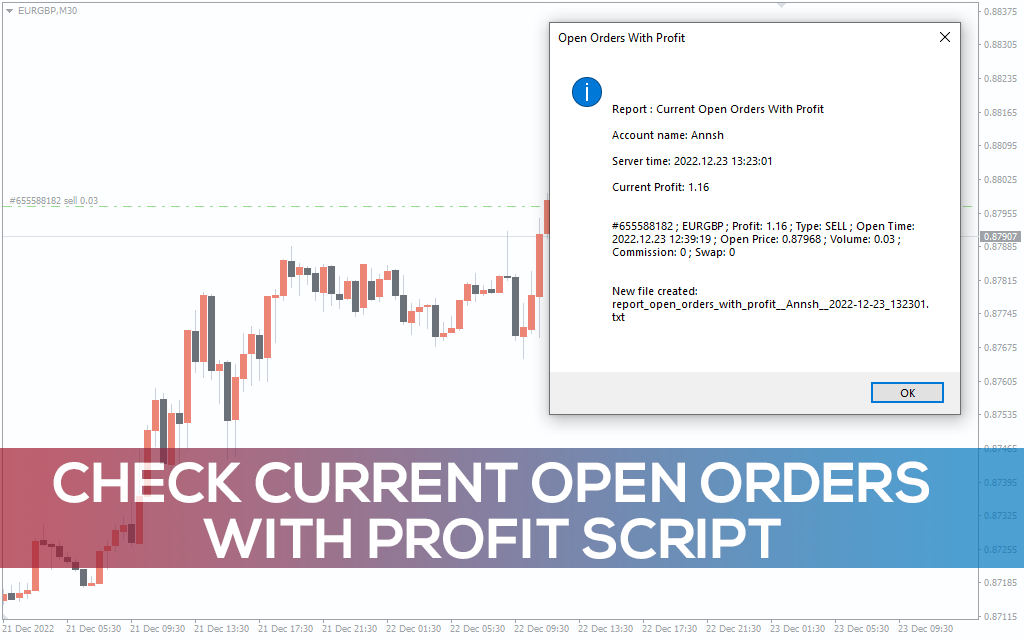
Check Current Open Orders With Profit Script
Check Current Open Orders With Profit Script summary using the best automatic trading report generator in MT4.
Description
The Check Current Open Orders With Profit Script enables you to monitor your open trade positions. It generates an automatic report showing your current profit, entry type (buy or sell), time of execution, entry price, and trading volume.
When the order is open for an extended period, it experiences extreme price fluctuations. The buyer’s price for the security may differ from the seller’s expectation. So, you might need to adjust or close your open trades depending on the changes in market sentiments.
This guide will explain how to use Check Current Open Orders With Profit Script in MT4.
How the Check Current Open Orders With Profit Script works in MT4
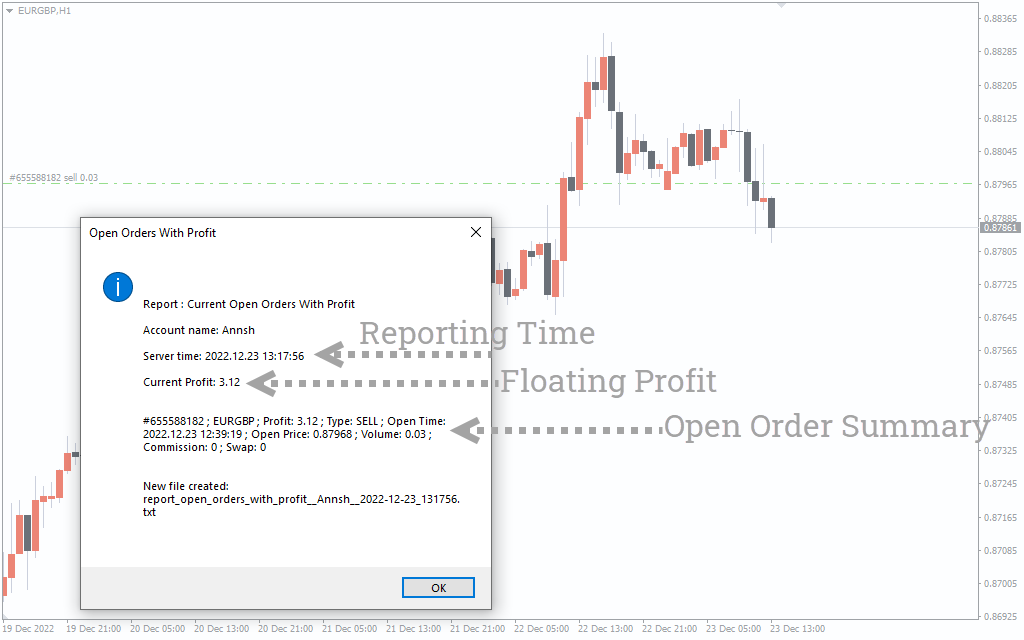
In order to track the profits of the open position, first install the Check Current Open Orders With Profit Script on your MT4 platform.
Second, apply it to the exact chart of your active trades. The script will instantly show all the open positions of the asset, including floating profits and trading volume.
In the above EUR/GBP chart, we’ve applied the Check Current Open Orders With Profit Script to snap an instant report of an active position. If you have multiple opened trades of an asset, the script will show a summary of all the active positions simultaneously.
Conclusion
The Check Current Open Orders With Profit is an unique MQL4 script that visualizes your current earnings on the price chart based on the entry date and price data. It is a perfect tool for traders used to activate multiple entries at a time. Besides, professional portfolio managers may use this MT4 script to report the current trading positions to their clients.