

Zone Trade Indicator
Find out market momentum by marking trading zones with the Zone Trade indicator for MT5.
Description
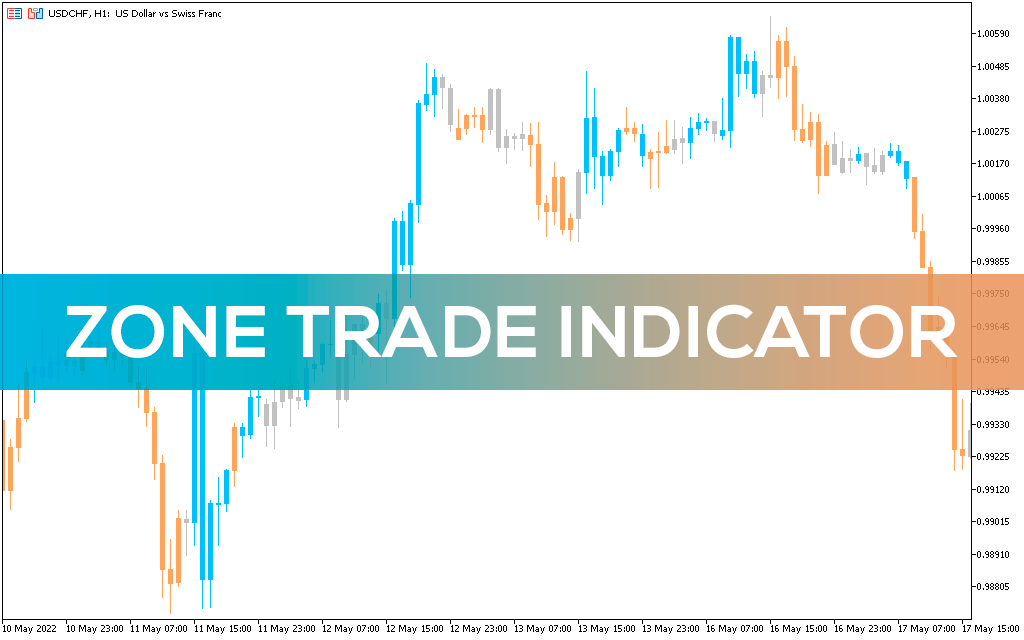
The Zone Trade Indicator for MT5 is a momentum indicator that tells you the big picture of the market.
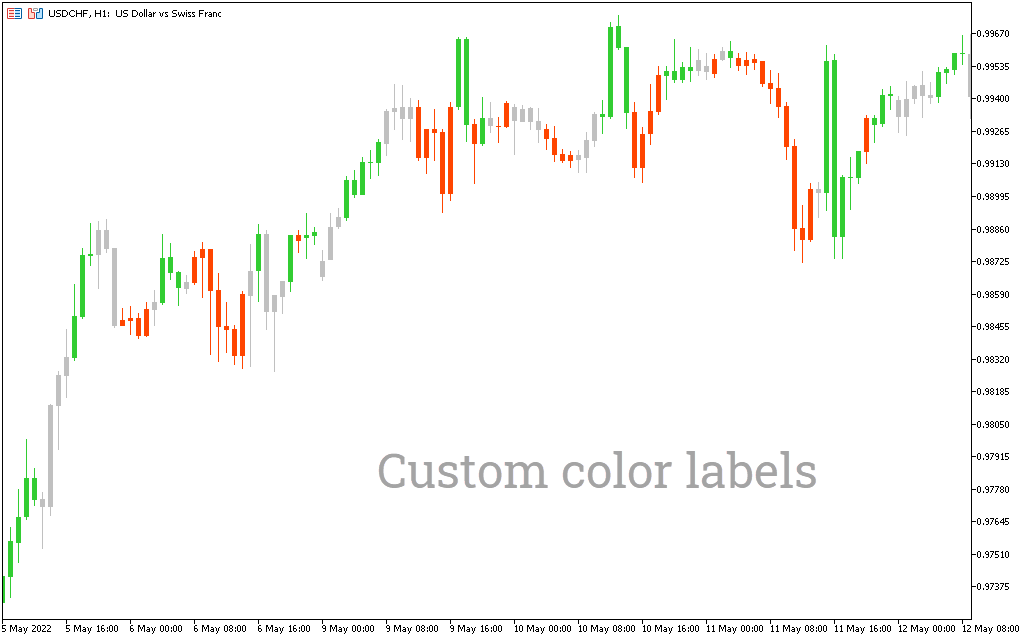
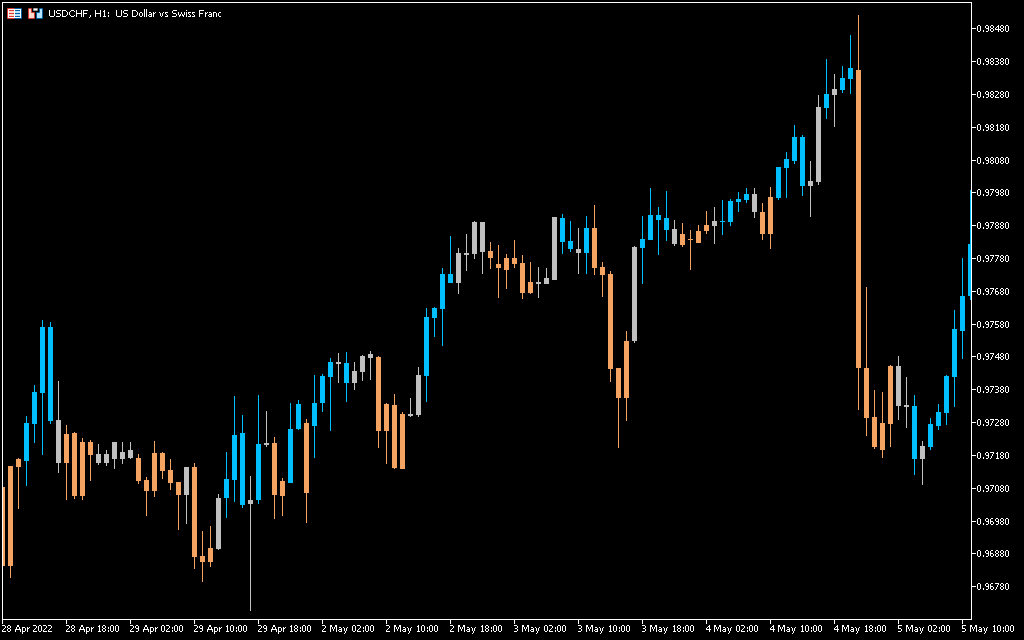
By displaying blue, orange and gray areas, it suggests the direction of the trend. The blue zone occurs when the market is in an uptrend. The orange zone appears when the market is in a downtrend. Finally, the gray zone suggests neutrality and appears in upward and downward momentum.
The key point to add is that the Zone Trade indicator does not create zones or areas on the chart. Rather, it colors the candles orange, blue, and grey.
The advantage of the indicator is that it works on all timeframes and gives clear buy and sell signals.
The indicator can give false signals on shorter timeframes. So, to trade with the indicator, you can find orange or blue bars on longer timeframes and then open positions on shorter timeframes.
How to trade with the Zone Trade Indicator?
Coloring blue, orange and gray zones, the Zone Trade indicator indicates buy and sell signals.
When the indicator draws a blue candlestick, it is a buy signal. On the other hand, when the Zone Trade indicator draws an orange candle, it is a sell signal. The gray candlestick adds a level of confirmation to the market momentum. It acts as a neutral candle, offering to wait for the trend to continue and then open positions.
The indicator follows the zonal approach of Bill Williams. By identifying the blue and orange zones, you will be able to mark the exact entry and exit points.
While the indicator works best on its own, you can use the Zone Trade indicator with other momentum indicators such as the RSI or MACD.
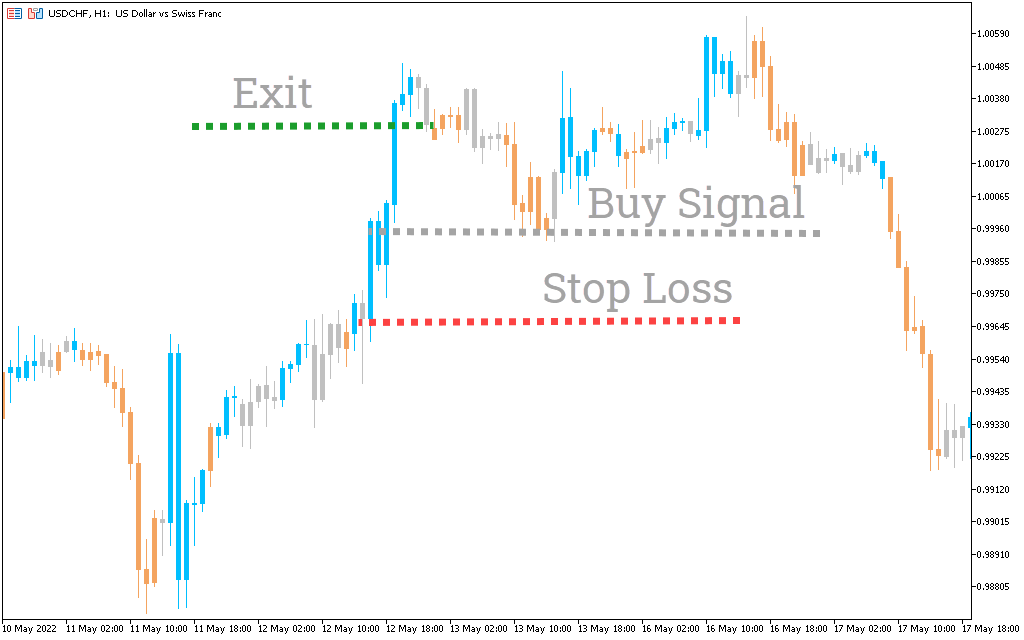
Zone Trade indicator buy setup
- Locate the blue bar on the chart.
- Wait for the trend to fully develop.
- Enter the trade at the blue bar.
- Put a stop-loss near the low of a buying point.
- Exit the trade when the orange bar appears.
Zone Trade indicator sell setup
- Locate the orange bar on the chart.
- Wait for the trend to fully develop.
- Enter the trade at the orange bar.
- Put a stop-loss near the high of a selling point.
- Exit the trade when the blue bar appears.
Conclusion
The Zone Trade indicator is great for spotting market momentum. By drawing blue, orange and gray bars, you will know the general mood of the market. While the indicator gives accurate buy and sell signals, you can use it with other momentum indicators to further confirm the signal.