TradingSessions Indicator
The use of the trading sessions indicator to increase the profitability of the trading system: an overview, the use of the indicator and its settings.
Description
One of the main reasons that the forex market is attractive for trading is its round-the-clock trading hours. The high number of participants engaged in trading operations at all hours of the day and night creates high volatility. This, in turn, gives an opportunity to find the entry points for potentially profitable deals. The 24-hour forex market operation is the reason that during the active work of some traders, other market participants have a rest. For example, such traders can be from both Western and Eastern countries. Unfortunately, by default, there is no indicator in the MT4 terminal, which would display the moment of entering the market by traders from any continent or country. However, the free TradingSessions indicator can be useful in this case.
The TradingSessions indicator and its features
The TradingSessions indicator displays all trading sessions that are involved in trading in the forex market in the chart. The name, working hours and symbol (acronym) of trading sessions in the MT4 terminal are shown in the table below:
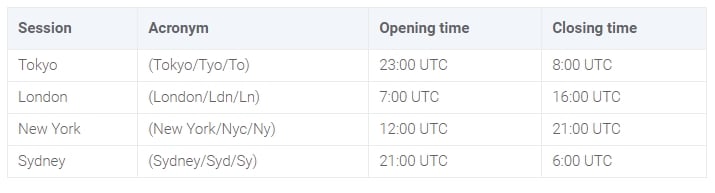
Due to the fact that each trading session lasts for 9 hours, the working hours of some sessions overlap.
- Tokyo and London sessions overlap for 1 hour.
- London and New York sessions overlap for 4 hours.
- Sydney and Tokyo sessions overlap for 7 hours.
As a rule, the most volatile sessions with active market trading are the London and New York trading sessions.
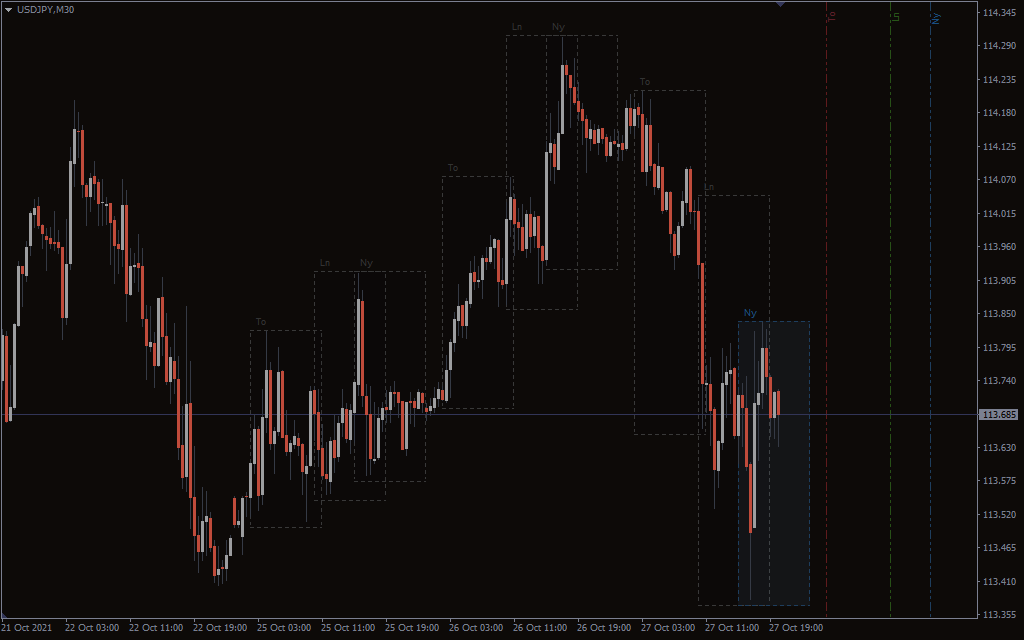
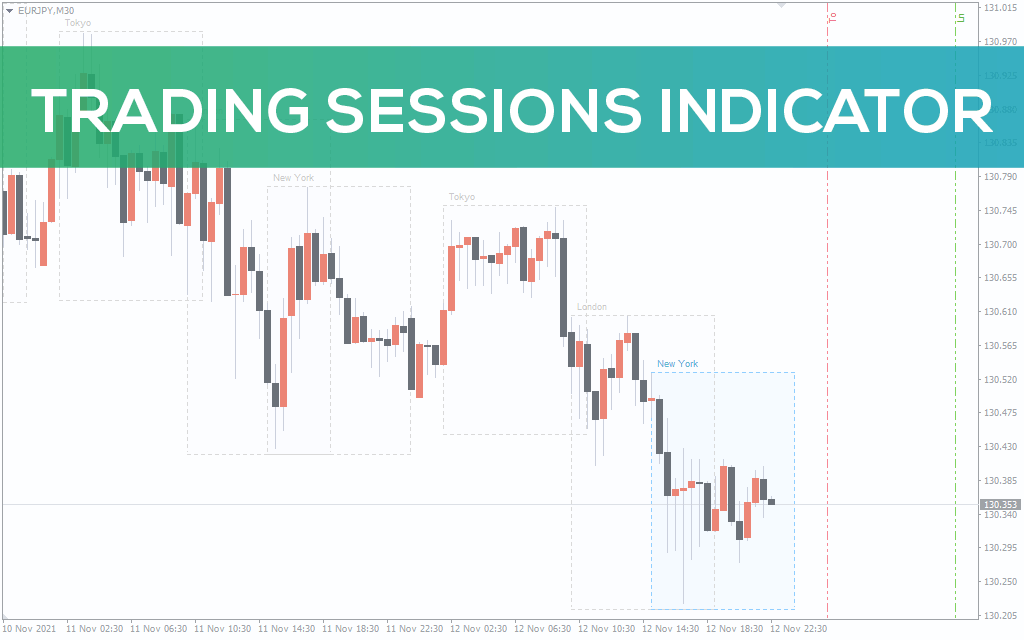
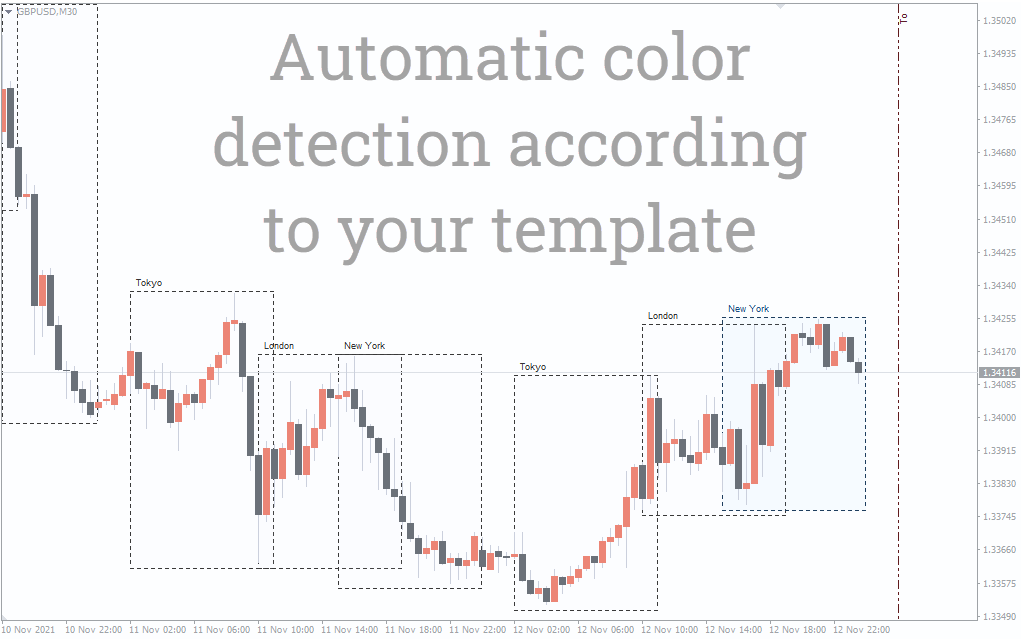
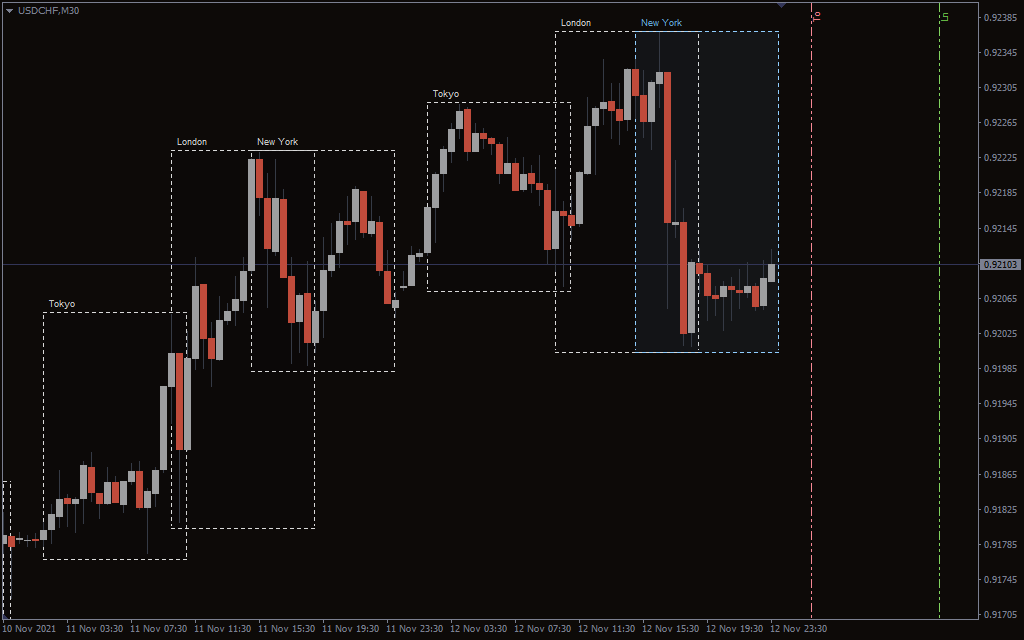
This indicator marks the trading sessions with rectangles, in which the price movement takes place. The height of the rectangles varies. It is tied to the price scale and depends on how much the price has moved during each trading session. The width of the rectangle corresponds to the time scale and is always the same for a particular timeframe.
For example, on the M30 timeframe, the duration of the trading session will be 18 bars exactly.
The indicator displays both past trading sessions and upcoming ones. The acronym of the trading session is marked at the top left of the rectangle.
The minimum timeframe for displaying the indicator of trading sessions in the MT4 terminal chart is М30. On timeframes of H1 and above, the indicator is displayed in a simplified version.
The need for simplification is caused by the following fact. The higher is the timeframe, the fewer bars the trading session is displayed on. The picture becomes too small and it complicates the effective use of the indicator.
Indicator usage in trading
The trading sessions indicator does not give signals for opening deals by itself. But using it together with some other technical analysis tools allows you to find potentially promising entry points.
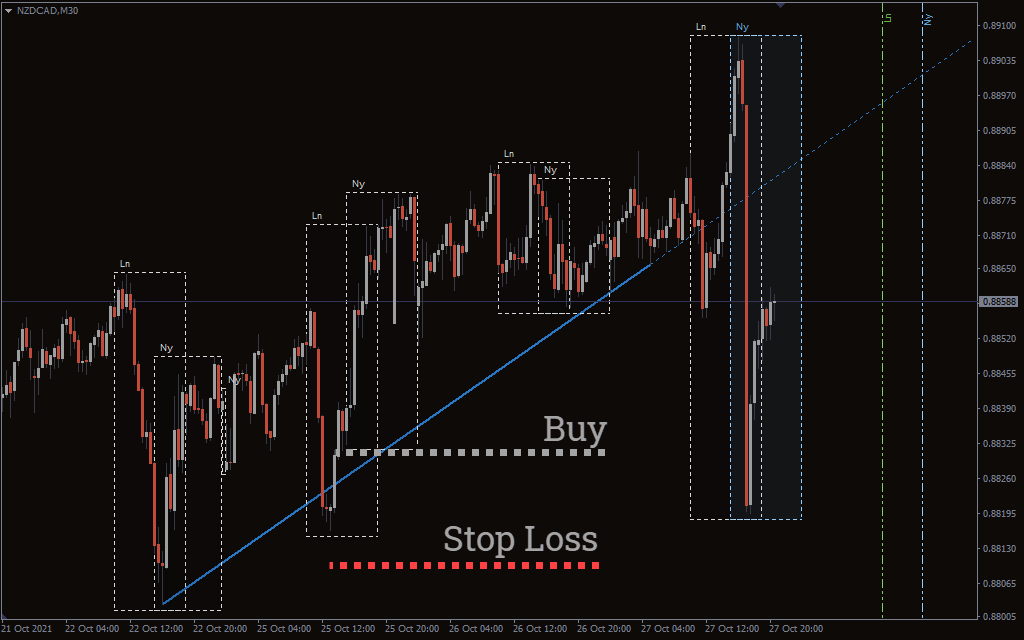
In the example above, note what strong movements occurred during the London and New York sessions. As well as at the moment of their simultaneous operation.
Having plotted the trend line with the AutoTrendLines indicator, we can notice that the selling interest near the uptrend line has decreased. This is signalled by the long candlestick shadows and the appearance of quite strong growth waves.
Growth waves and long candlestick shadows were formed during the London and New York trading sessions. It shows a resumption of buying interest, and possibly, a new wave of the uptrend.
Therefore, there can be a safe variant of working out this trading situation. It is best to place a pending order for the level breakdown, from which the last fall wave was directed.
It is advisable to place the stop loss behind the trend line and the candlestick shadows to protect yourself against unpredictable price movements.