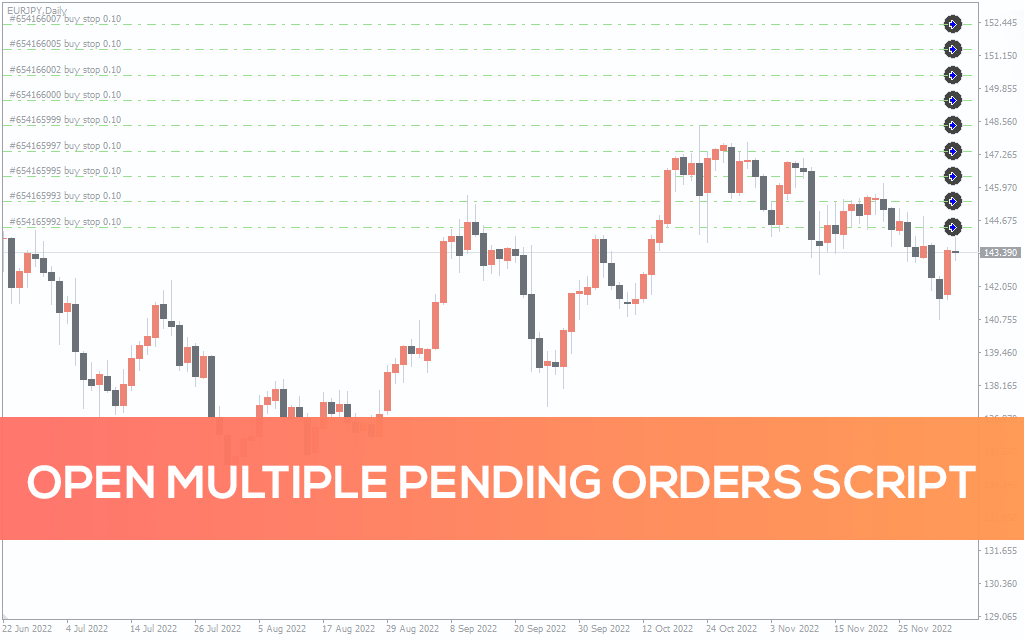
Open Multiple Pending Orders Script
The Open Multiple Pending Orders Script for MT4 is an automated trading tool that initiates the opening of multiple pending orders with a mouse click.
Description
The Open Multiple Pending Orders Script for MetaTrader is an automated trading tool that initiates the opening of multiple pending orders with a mouse click. It was built with a lot size calculator, Take Profit/Stop Loss, and a magic number tab which helped increase the automation of orders.
How do I open multiple orders in MT4?
To open multiple orders in the MT4 platform, you’ll need to manually open each order which may be tedious. However, this process can be circumvented with the Open Multiple Pending Orders Script.
While the script was primarily designed to ease trading, it can also help you to take advantage of an impulsive move in the market. For instance, you can quickly open multiple pending orders a few pips away from the current price just before a news release.
How to Use The Open Multiple Pending Orders Script
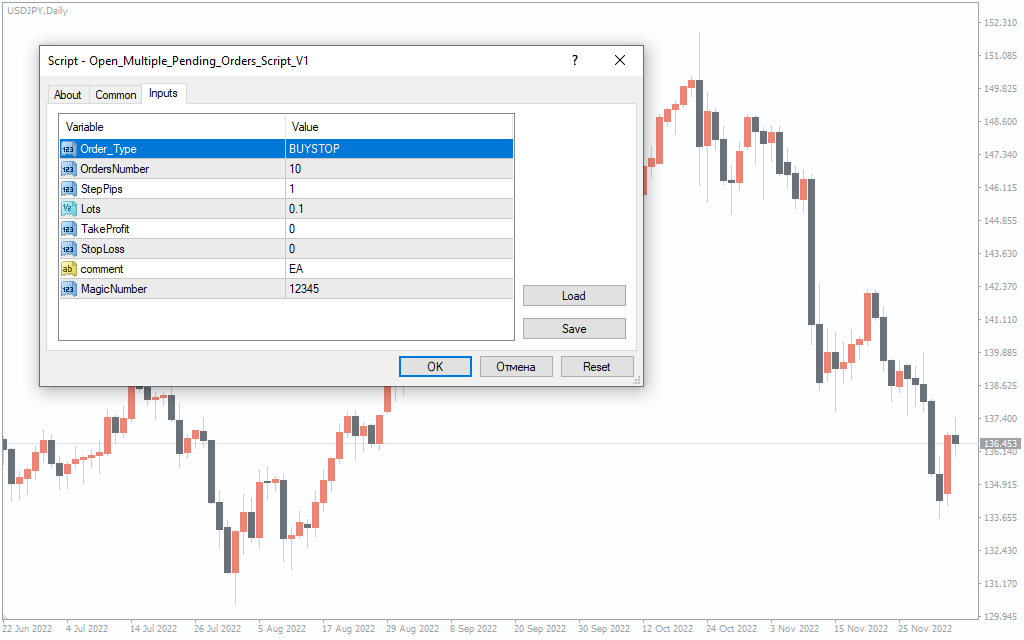
The above image depicts the script on an USDJPY currency pair which shows a pending order of sell limit. To open a sell limit as depicted in the image, you’ll need to first open the script from the ‘scripts’ folder, select the pending order type (sell limit, for instance), number of intended trade positions (10 positions, for instance), and the lot size.
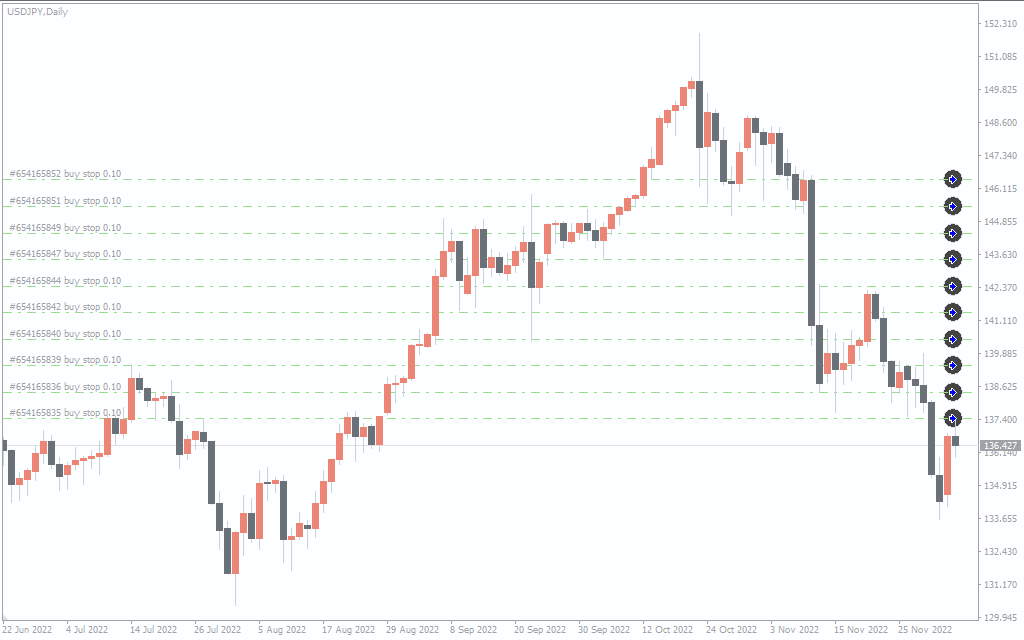
The above image shows that the script has opened 10 pending orders. Note that it (the script) opens all pending orders very close to the current market price. Furthermore, the Take Profit/Stop Loss tab on the script is non-functional.
Conclusion
The Open Multiple Pending Orders Script for MT4 is recommended for scalpers and day/intraday forex traders to open multiple pending orders. What’s more, it is free to download.